

Kling Video V3 Turbo Pro Image to Video overview
Kling Video V3 Turbo Pro Image to Video by Kling AI
Designed for brands, agencies, and creators who need polished, production-ready results at scale.
Kling Video V3 Turbo Pro Image to Video specs
- Model ID
kling-video/v3/turbo/pro/image-to-video- Developer
- Kling AI
- Input
- Image
- Output
- Video
- Endpoint
POST https://api.aimlapi.com/v2/video/generations
What Is Kling Video V3 Turbo Pro Image to Video?
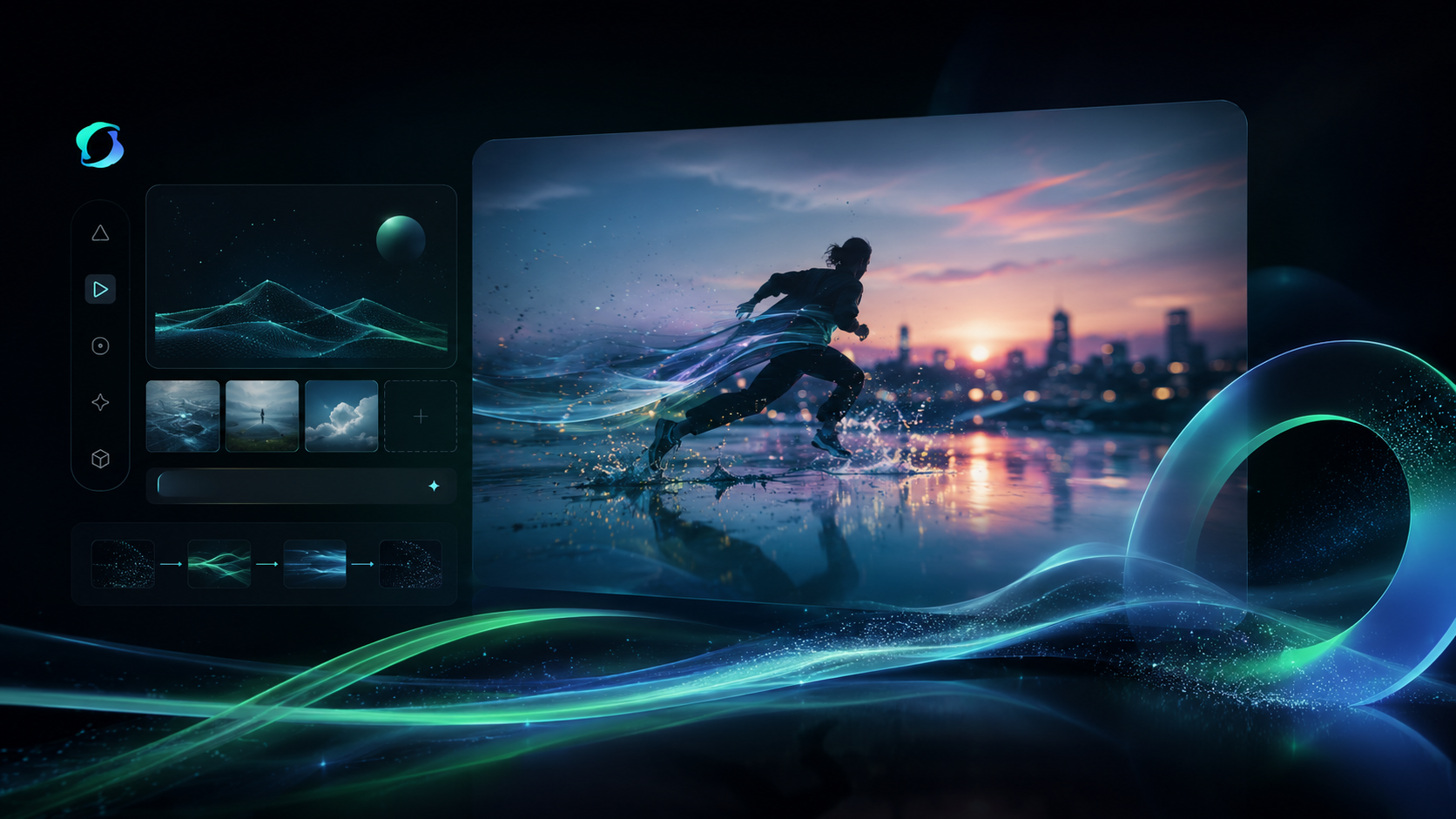
Kling Video V3 Turbo Pro Image to Video is a next-generation image animation model that converts uploaded photographs, illustrations, concept art, product images, and digital artwork into short-form AI-generated videos. Instead of creating videos entirely from text prompts, the model uses an existing image as the visual foundation and intelligently generates motion, camera movement, environmental effects, and realistic transitions.
The system analyzes every visual element within the source image, including subjects, backgrounds, lighting, depth, textures, and composition. It then predicts natural movement patterns and creates smooth animations that preserve the original aesthetic while adding realistic motion dynamics.
Advanced Motion Generation
One of the strongest aspects of Kling Video V3 Turbo Pro is its sophisticated motion synthesis engine. The model produces natural-looking movements that avoid the robotic or distorted animations commonly seen in earlier AI video generators. Motion remains coherent across frames, creating a smoother and more believable viewing experience.
Enhanced Subject Consistency
Maintaining character identity throughout a video is one of the biggest challenges in AI video generation. Kling Video V3 Turbo Pro significantly improves subject consistency by preserving facial features, clothing details, object structures, and overall scene composition throughout the animation process. This results in videos that appear more stable and visually accurate from beginning to end.
Cinematic Camera Controls
The model supports cinematic camera movement generation, allowing videos to feel more dynamic and professional. It can simulate zoom-ins, pans, tracking shots, orbital movements, and depth-based camera transitions that add visual interest and storytelling impact.
High-Speed Rendering Performance
The Turbo Pro version is optimized for faster generation times. Users can create video content more efficiently, making it suitable for commercial workflows, rapid prototyping, marketing campaigns, and social media production schedules.
Realistic Environmental Effects
Kling Video V3 Turbo Pro can generate natural environmental animations such as wind effects, water movement, atmospheric particles, lighting transitions, and depth-based scene interactions. These enhancements contribute to a more immersive final result.
Use cases
Animate still images into short video clips, including still photos, portraits, scenes, or illustrated frames.
Create product motion concepts and previews from product or object images.
Build storyboard-style multi-shot videos from a single starting image.
Use the model for quick previews and rapid video prototyping before committing to slower, higher-fidelity renders.
Kling Video V3 Turbo Pro Image to Video API pricing
| Usage | Price | Unit |
|---|---|---|
| Video generation | $0.14 | per second |
The final price depends on request parameters such as resolution or duration.
Prices from the AI/ML API price list, checked on Nov 4, 2026.
Kling Video V3 Turbo Pro Image to Video vs other video models: prices
AI/ML API rates for 5 models, per second.
| Model | Per second |
|---|---|
 Kling Video V3 Turbo Pro Image to Video Kling Video V3 Turbo Pro Image to Video | $0.14 |
| Kling 4.0 Image to Video | $0.157 |
| Kling 4.0 Reference to Video | $0.157 |
| Kling 4.0 Text to Video | $0.157 |
| Kling 4.0 Video Editing | $0.188 |
How to use the Kling Video V3 Turbo Pro Image to Video API
View docs



Build with your agent
Give your agent the model details, code and documentation.
1Get your API key
Create API keyexport AIMLAPI_KEY="8f2b4c7d9a1e6b3f…"2Make your first request
curl 'https://api.aimlapi.com/v2/video/generations' \
  -H "Authorization: Bearer $AIMLAPI_KEY" \
  -H 'Content-Type: application/json' \
  -d '{
  "model": "kling-video/v3/turbo/pro/image-to-video",
  "image_url": "https://example.com/input.jpg"
}'
import os
import requests
headers = {
"Authorization": f"Bearer {os.environ['AIMLAPI_KEY']}",
"Content-Type": "application/json",
}
payload = {
"model": "kling-video/v3/turbo/pro/image-to-video",
"image_url": "https://example.com/input.jpg"
}
response = requests.post("https://api.aimlapi.com/v2/video/generations", headers=headers, json=payload, timeout=120)
response.raise_for_status()
print(response.json())const response = await fetch("https://api.aimlapi.com/v2/video/generations", {
method: "POST",
headers: {
Authorization: `Bearer ${process.env.AIMLAPI_KEY}`,
"Content-Type": "application/json",
},
body: JSON.stringify({
"model": "kling-video/v3/turbo/pro/image-to-video",
"image_url": "https://example.com/input.jpg"
}),
});
if (!response.ok) throw new Error(`HTTP ${response.status}`);
console.log(await response.json());The request returns a generation id. Poll GET https://api.aimlapi.com/v2/video/generations?generation_id=<id> until the status is completed.
Models similar to Kling Video V3 Turbo Pro Image to Video


Related articles

Kling Video V3 Turbo Pro Image to Video FAQ
What inputs and outputs does Kling Video V3 Turbo Pro Image to Video support?
Kling Video V3 Turbo Pro Image to Video takes image as input and returns video.
How much does Kling Video V3 Turbo Pro Image to Video cost?
Kling Video V3 Turbo Pro Image to Video costs $0.14 per second on AI/ML API, billed as you go with no subscription.
How is Kling Video V3 Turbo Pro Image to Video billed?
Kling Video V3 Turbo Pro Image to Video costs $0.14 per second on AI/ML API, billed as you go with no subscription.
Can Kling Video V3 Turbo Pro Image to Video take an existing image as input?
Yes, Kling Video V3 Turbo Pro Image to Video accepts image input as well as a text prompt.
Who created Kling Video V3 Turbo Pro Image to Video?
Kling Video V3 Turbo Pro Image to Video was built by Kling AI.
How do I call Kling Video V3 Turbo Pro Image to Video on AI/ML API?
Use kling-video/v3/turbo/pro/image-to-video as the model id on AI/ML API.
Is Kling Video V3 Turbo Pro Image to Video available through a single API key?
Yes. Kling Video V3 Turbo Pro Image to Video is served through AI/ML API, so the same key and endpoint format used for other models applies.
What resolution does Kling Video V3 Turbo Pro Image to Video output?
It generates videos at 1080p resolution.
Does this model require an image to generate video?
Yes, it is an image-to-video model and requires an input image; it does not generate video from text alone.
What is the Kling Video V3 Turbo Pro Image to Video model ID?
Use kling-video/v3/turbo/pro/image-to-video as the model parameter. Requests go to https://api.aimlapi.com/v2/video/generations with your AI/ML API key.