

Kling 4.0 Video Editing overview
Kling 4.0 Video Editing specs
- Model ID
klingai/video-v4-video-to-video-edit- Developer
- Kling AI
- Input
- Video
- Output
- Video
- Endpoint
POST https://api.aimlapi.com/v2/video/generations
What is Kling 4.0 Video Editing API?
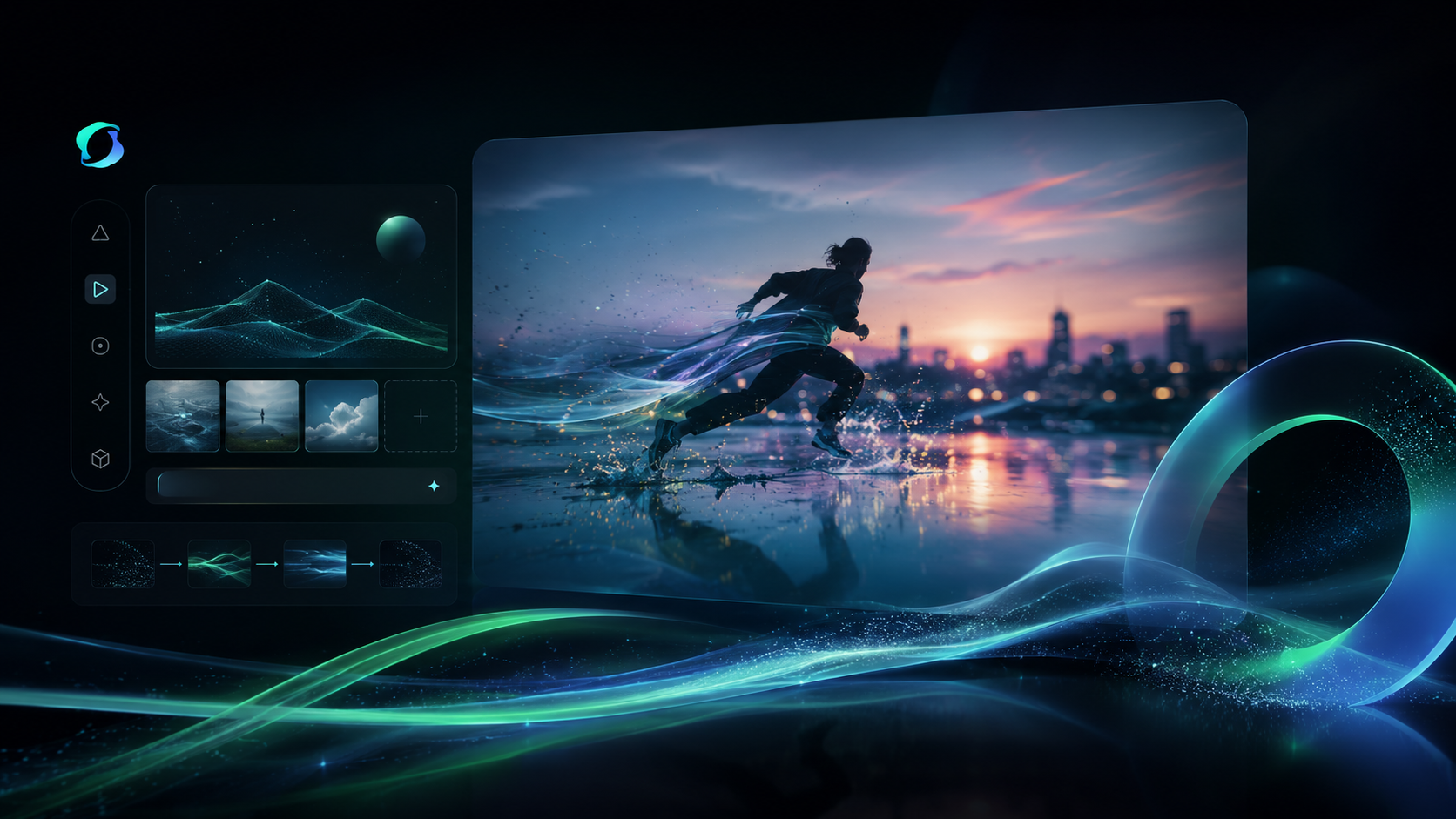
Kling 4.0 video editing changes expressions, motion, style or backgrounds of a 3–30 second clip from an instruction, keeping the rest of the scene stable. It is part of Kling AI's new-generation Kling 4.0 video model family and is available on AI/ML API through the video generation endpoint.
Technical specifications
- Supported inputs: source video (3–30 s), edit instruction, optional reference images and elements
- Output: edited video of the same length
- Model ID: klingai/video-v4-video-to-video-edit
- Release date: October 15, 2026
Where to use Kling 4.0 Video Editing
Background and style changes
Swap locations, lighting or visual style without reshooting.
Performance tweaks
Adjust expressions or motion while keeping the rest of the shot intact.
Object and character insertion
Add products or characters from reference images into existing footage.
Use cases
Kling 4.0 Video Editing changes an existing 3–30 second clip from a text instruction, while keeping the rest of the scene stable.
It fits background swaps, restyling and lighting changes without reshooting footage.
Expressions and motion can be adjusted, which suits fixing or refining a performance in post-production.
Reference images and elements let you insert specific products or characters into the source video.
Kling 4.0 Video Editing API pricing
| Usage | Price | Unit |
|---|---|---|
| Video generation | $0.188 | per second |
The final price depends on request parameters such as resolution or duration.
Prices from the AI/ML API price list, checked on Nov 4, 2026.
Kling 4.0 Video Editing vs other video models: prices
AI/ML API rates for 5 models, per second.
| Model | Per second |
|---|---|
 Kling 4.0 Video Editing | $0.188 |
| Kling 4.0 Image to Video | $0.157 |
| Kling 4.0 Reference to Video | $0.157 |
| Kling 4.0 Text to Video | $0.157 |
 Aleph | $0.195 |
How to use the Kling 4.0 Video Editing API
View docs



Build with your agent
Give your agent the model details, code and documentation.
1Get your API key
Create API keyexport AIMLAPI_KEY="8f2b4c7d9a1e6b3f…"2Make your first request
curl 'https://api.aimlapi.com/v2/video/generations' \
  -H "Authorization: Bearer $AIMLAPI_KEY" \
  -H 'Content-Type: application/json' \
  -d '{
  "model": "klingai/video-v4-video-to-video-edit",
  "prompt": "A slow dolly shot through a sunlit greenhouse full of ferns, light dust in the air, natural camera motion",
  "video_url": "https://example.com/input.mp3"
}'
import os
import requests
headers = {
"Authorization": f"Bearer {os.environ['AIMLAPI_KEY']}",
"Content-Type": "application/json",
}
payload = {
"model": "klingai/video-v4-video-to-video-edit",
"prompt": "A slow dolly shot through a sunlit greenhouse full of ferns, light dust in the air, natural camera motion",
"video_url": "https://example.com/input.mp3"
}
response = requests.post("https://api.aimlapi.com/v2/video/generations", headers=headers, json=payload, timeout=120)
response.raise_for_status()
print(response.json())const response = await fetch("https://api.aimlapi.com/v2/video/generations", {
method: "POST",
headers: {
Authorization: `Bearer ${process.env.AIMLAPI_KEY}`,
"Content-Type": "application/json",
},
body: JSON.stringify({
"model": "klingai/video-v4-video-to-video-edit",
"prompt": "A slow dolly shot through a sunlit greenhouse full of ferns, light dust in the air, natural camera motion",
"video_url": "https://example.com/input.mp3"
}),
});
if (!response.ok) throw new Error(`HTTP ${response.status}`);
console.log(await response.json());The request returns a generation id. Poll GET https://api.aimlapi.com/v2/video/generations?generation_id=<id> until the status is completed.
Models similar to Kling 4.0 Video Editing


Related articles

Kling 4.0 Video Editing FAQ
What is Kling 4.0 Video Editing?
Kling 4.0 Video Editing changes the expressions, motion, style or background of an existing 3–30 second clip from a text instruction, while keeping the rest of the scene stable.
What inputs and outputs does Kling 4.0 Video Editing support?
It takes a source video (video_url) and an edit instruction, plus optional reference images and elements, and returns the edited video. The edited video keeps the length of the source.
What videos can I edit?
Source videos must be 3–30 seconds long, up to 300MB, 700–4553px per side, with an aspect ratio between 0.4 and 2.5 and 24–60 fps.
How much does Kling 4.0 Video Editing cost?
Kling 4.0 Video Editing costs $0.188 per second on AI/ML API, billed as you go with no subscription.
How do I refer to the source video in the prompt?
Refer to the source video as @Video1, to reference images as @Image1, @Image2 and to elements as @Element1, @Element2. For example: Change the background of @Video1 to a snowy forest.
How do I call Kling 4.0 Video Editing via API?
Submit a POST request to https://api.aimlapi.com/v2/video/generations with the model ID klingai/video-v4-video-to-video-edit, a video_url and a prompt, then poll with the returned generation_id until the status is completed.
What is the Kling 4.0 Video Editing model ID?
Use klingai/video-v4-video-to-video-edit as the model parameter. Requests go to https://api.aimlapi.com/v2/video/generations with your AI/ML API key.