


GLM-OCR overview
GLM-OCR by Zhipu AI
GLM-OCR stands out by combining state-of-the-art computer vision with intelligent structure detection, delivering 95%+ accuracy on real-world documents.
GLM-OCR specs
- Model ID
zhipu/glm-ocr- Developer
- Zhipu AI
- Input
- Image
- Output
- Text
- Endpoint
POST https://api.aimlapi.com/v1/ocr
GLM-OCR API Overview
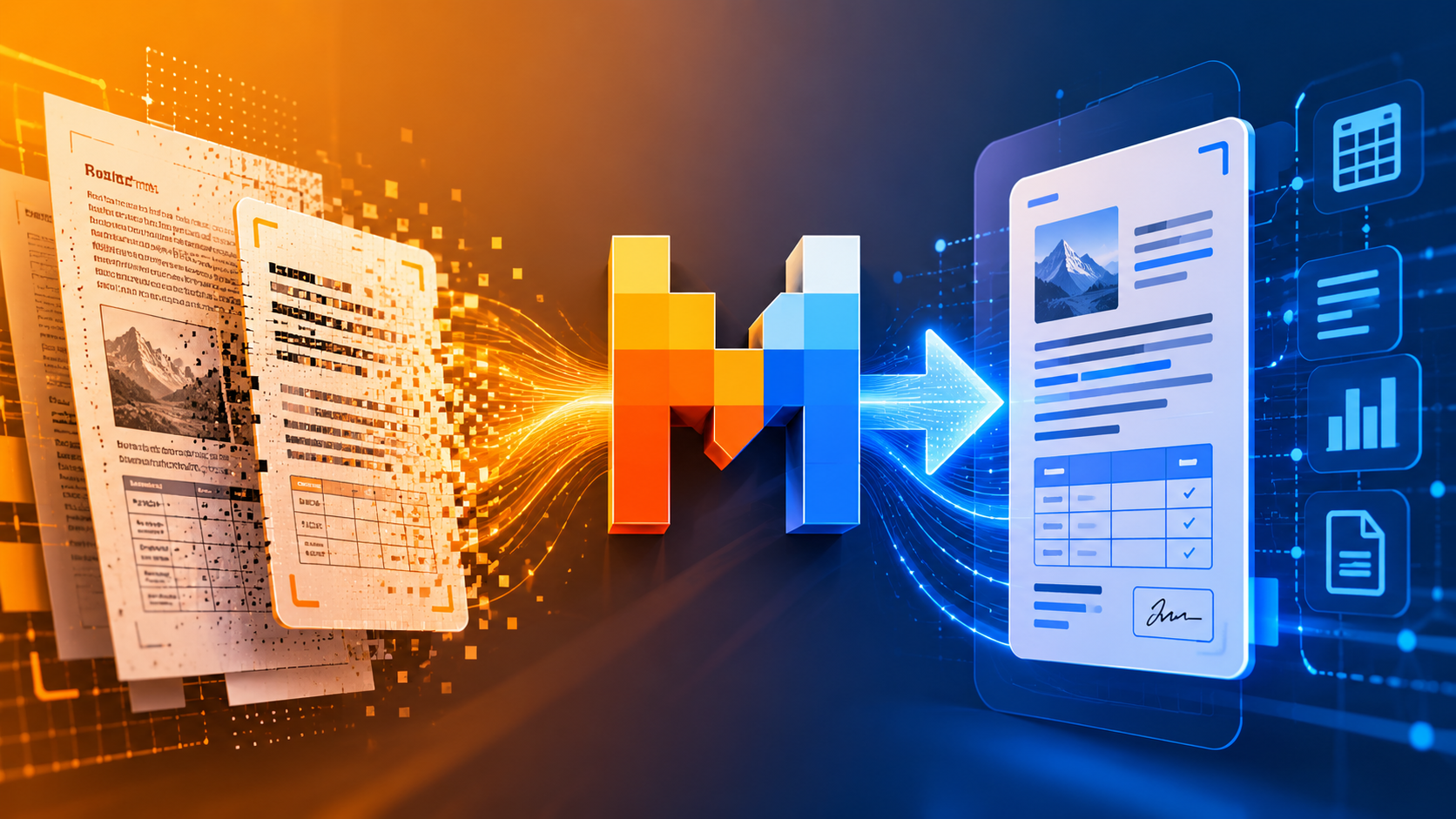
GLM-OCR goes beyond character detection. It analyzes document layout and semantic structure, enabling accurate reconstruction of content in a format that mirrors the original document. Headings remain headings, lists stay structured, tables retain alignment, and multi-column layouts are interpreted correctly.
This structural awareness significantly reduces the need for post-processing. Instead of spending time cleaning unstructured text, developers and enterprises receive output that is immediately usable in automation pipelines, databases, content systems, or AI-powered applications.
Structured Text Extraction from Complex Sources
GLM-OCR processes a wide variety of inputs, including scanned PDFs, photographed documents, screenshots, and multi-column layouts. It performs reliably even on documents that mix text blocks, tables, and graphical elements.
Intelligent Table Recognition
Tables are often the most challenging component of document digitization. GLM-OCR detects table boundaries, column relationships, header structures, and multi-row formatting with high precision. Instead of flattening tables into fragmented lines of text, it reconstructs them in structured Markdown format, preserving alignment and hierarchy.
Multi-Page Document Support
GLM-OCR seamlessly handles multi-page documents while maintaining section continuity and structural hierarchy. Page order is preserved, and logical relationships between sections remain intact.
Technical Overview
GLM-OCR supports standard image formats such as JPEG and PNG, along with scanned and digital PDF files. Multi-page processing is handled natively, eliminating the need for page-by-page orchestration.
The output is delivered as structured Markdown, designed to preserve formatting and document hierarchy while remaining easy to transform into other structured formats when required.
Document Automation
Automate repetitive document processing tasks in finance, legal, HR, and operations. Extract structured data directly from PDFs and scanned files without manual entry.
Use cases
Document text extraction: GLM-OCR is documented as suitable for extracting text from PDFs, DOCX, PPTX, XLSX, HTML, images, and scanned documents, including mixed text-image documents.
Scanned business documents: It is documented as suitable for processing scanned documents such as invoices, contracts, forms, reports, receipts, certificates, and cards, with structured JSON output for key information extraction.
Tables and structured layouts: GLM-OCR is documented as suitable for text extraction from tables and other structured layouts, including complex tables with merged cells and multi-level headers, with HTML or Markdown-style output.
Formula and mathematical content: It is documented as suitable for recognizing formulas and mathematical expressions, including structured output for equations and notation.
How to use the GLM-OCR API
View docs



Build with your agent
Give your agent the model details, code and documentation.
1Get your API key
Create API keyexport AIMLAPI_KEY="8f2b4c7d9a1e6b3f…"2Make your first request
curl 'https://api.aimlapi.com/v1/ocr' \
  -H "Authorization: Bearer $AIMLAPI_KEY" \
  -H 'Content-Type: application/json' \
  -d '{
  "model": "zhipu/glm-ocr",
  "document": null
}'
import os
import requests
headers = {
"Authorization": f"Bearer {os.environ['AIMLAPI_KEY']}",
"Content-Type": "application/json",
}
payload = {
"model": "zhipu/glm-ocr",
"document": null
}
response = requests.post("https://api.aimlapi.com/v1/ocr", headers=headers, json=payload, timeout=120)
response.raise_for_status()
print(response.json())const response = await fetch("https://api.aimlapi.com/v1/ocr", {
method: "POST",
headers: {
Authorization: `Bearer ${process.env.AIMLAPI_KEY}`,
"Content-Type": "application/json",
},
body: JSON.stringify({
"model": "zhipu/glm-ocr",
"document": null
}),
});
if (!response.ok) throw new Error(`HTTP ${response.status}`);
console.log(await response.json());Models similar to GLM-OCR
Related articles
GLM-OCR FAQ
What inputs and outputs does GLM-OCR support?
GLM-OCR takes document, image as input and returns text.
When was GLM-OCR released?
GLM-OCR became available on February 9, 2026.
How much does GLM-OCR cost?
GLM-OCR is priced at $0.013 / page.
How is GLM-OCR billed?
GLM-OCR is billed per generation, a fixed charge per output rather than by prompt length.
Who created GLM-OCR?
GLM-OCR was built by Zhipu AI.
How do I call GLM-OCR on AI/ML API?
Use zhipu/glm-ocr as the model id on AI/ML API.
Is GLM-OCR available through a single API key?
Yes. GLM-OCR is served through AI/ML API, so the same key and endpoint format used for other models applies.
Does GLM-OCR do full document understanding or just basic text extraction?
GLM-OCR is described as a document understanding model that extracts text and structured content from images and documents, not just plain OCR.
What is the GLM-OCR model ID?
Use zhipu/glm-ocr as the model parameter. Requests go to https://api.aimlapi.com/v1/ocr with your AI/ML API key.