
Best Cursor alternatives in 2026: Free editors, extensions and coding agents compared
Cursor remains one of the most popular AI code editors, and for good reason. It brings AI coding agents into a familiar VS Code-based environment. However, the new pricing plans introduced on October 12, 2026, have made Cursor considerably more expensive for developers who rely on Claude or GPT. Under the new plans, accessing these models requires a Premium subscription starting at $30 per month, plus tokens are billed separately.
Fortunately, Cursor isn't the only option. Several Cursor competitors offer a similar coding experience for less, and some are completely free. In this article, we compare 10 Cursor alternatives, including standalone AI code editors, VS Code extensions, and terminal-based coding agents. If you just want a Cursor AI alternative for a specific workflow, start with the picks below.
Best Cursor alternatives by use case
- Closest to Cursor: Devin Desktop brings an AI editor, autocomplete and agents together.
- Stay in VS Code: GitHub Copilot adds completions and chat to your favorite editor. You can try it for free as well, with 2,000 completions per month.
- Use your own models in VS Code: Cline and Kilo Code are open-source agents that you can run with local AI models or custom endpoints.
- Work from the terminal: OpenCode and Aider support hosted and local models. Claude Code is a strong choice if you prefer Claude.
- Pay $0 per token: For a true Cursor free alternative, pair an open-source agent with a free model on AI/ML API. Free models open after you top up your balance to verify your account.
What changed in Cursor pricing in October 2026?
On October 12, Cursor became part of The X Subscription, which bundles Cursor with Grok and X benefits. The change also introduced a new pricing structure, moving some previously available features behind more expensive plans. Here's how Cursor's current plans compare:
| Plan | Monthly price | Model access |
|---|---|---|
| Free | $0 | Limited agent and chat usage |
| Plus | $8 | Cursor models, including Grok and Composer 2.5. No third-party models or personal API keys |
| Premium | $30 | More included Cursor-model usage. Third-party models billed separately at API list price from prepaid credit |
| Super | $100 | More included usage and priority access. Third-party usage billed separately |
| Ultra | $200 | More included usage and early access. Third-party usage billed separately |
To use Claude or GPT models in Cursor, you now need a $30-per-month Premium subscription and additional prepaid credits for model usage. Existing customers on legacy plans, however, can continue using their current plans and pricing structure.
Cursor also lets eligible users bring their own API keys, but there are limitations. Your API keys only work with supported chat completion models, not Cursor Tab's specialized code completion. Your requests still pass through Cursor's servers for prompt construction, and Cursor's Zero Data Retention policy doesn't cover requests made with your own API key.
Teams and Enterprise customers also pay an additional $0.25 per million tokens for eligible third-party model usage, including requests made with their own API keys. Cursor models, Cost mode, and third-party models with cache-read pricing below $0.10 per million tokens across all pricing tiers are exempt. This additional fee doesn't apply to individual plans.
OpenAI models may also leave Cursor soon. OpenAI has proposed ending its model supply to Cursor on November 12, 2026, although the final date isn't confirmed. After that, you could use GPT in Cursor only through your own API key or a gateway in local Chat and Agent, or through the Codex extension.
Cursor alternatives compared
With GPT and Claude models now behind a paywall, Cursor has become a much more expensive starting point for developers who prefer these models. The good news is that there are plenty of Cursor AI alternatives, including free options. Here's how 10 of the best Cursor alternatives compare:
| Tool | Category | Price from | What is free | Own API key | Custom OpenAI-compatible URL | Local models | Autocomplete with own key | Editor or interface | Project status |
|---|---|---|---|---|---|---|---|---|---|
| Devin Desktop | Editor | $0, Pro $20/mo | Free plan | Not confirmed for built-in agent | Not confirmed | External agents may support them. Built-in support not confirmed | Not confirmed | Desktop editor, Windsurf extension for JetBrains | Maintained, proprietary |
| Zed | Editor | $0, Pro $10/mo | Personal editor and own-key access | Yes | Yes, for supported agent features | Yes | Selected providers, with separate completion settings | Zed desktop editor | Maintained, open source |
| Trae | Editor | $0 | Free plan with limits | Yes, free plan not confirmed | Yes, via custom request URL | Through a compatible proxy | Not confirmed | Desktop editor | Maintained, proprietary |
| GitHub Copilot | Extension | $0, Pro $10/mo | 2,000 completions/month and limited AI use | Yes, in VS Code chat | Yes, via VS Code Custom Endpoint | Yes, in VS Code chat with a local provider | No, not through the chat BYOK configuration | VS Code, JetBrains and other editors. Custom endpoint details here apply to VS Code | Maintained, proprietary |
| Cline | Agent extension | $0 + model usage | Open-source agent | Yes | Yes | Yes, with a compatible local server | Not confirmed for own-key inline completion | VS Code, JetBrains and CLI | Maintained, open source |
| Kilo Code | Agent extension | $0 + model usage | Open-source agent | Yes | Yes | Yes | Yes, for supported autocomplete providers, configured separately | VS Code, JetBrains and CLI | Maintained, open source |
| Claude Code | Coding agent | Claude Pro from $17/mo billed annually, or API usage | No generally free standalone plan | Yes, for Claude API/gateways | Supported Claude gateway, not a generic OpenAI-compatible endpoint | No supported non-Claude local-model route | No built-in editor autocomplete | Terminal and editor integrations | Maintained, proprietary |
| OpenAI Codex | Coding agent | Included with eligible ChatGPT plans or available with API usage | Limited access on eligible Free accounts | Yes | Custom provider URL with a compatible API | Supported local setups, depending on compatibility | No built-in editor autocomplete | Terminal, desktop and IDE extension | Maintained, open-source CLI |
| OpenCode | Coding agent | $0 + model usage | Open-source agent | Yes | Yes | Yes | No built-in editor autocomplete | Terminal and editor integrations | Maintained, open source |
| Aider | Coding agent | $0 + model usage | Open-source agent | Yes | Yes | Yes | No built-in editor autocomplete | Terminal alongside your editor | Maintained, open source |
If you want a Cursor alternative free of charge, start with the "What is free" column. Prices and features were checked on November 6, 2026.
Below, we take a closer look at each alternative, grouped into three categories:
- AI code editors
- Extensions for VS Code and JetBrains
- Terminal coding agents
AI code editors
These tools replace your editor or give you a full editing environment. They're the closest place to start if you want a free AI code editor like Cursor.
Devin Desktop (formerly Windsurf)
Best for: A Cursor-like editor with built-in AI agents.
Devin Desktop is the successor to Windsurf, combining a VS Code-based editor with AI agents, codebase awareness, and Supercomplete, its AI-powered autocomplete feature. According to the official product page, existing Windsurf users can keep their settings, extensions, and subscriptions when switching to Devin Desktop.
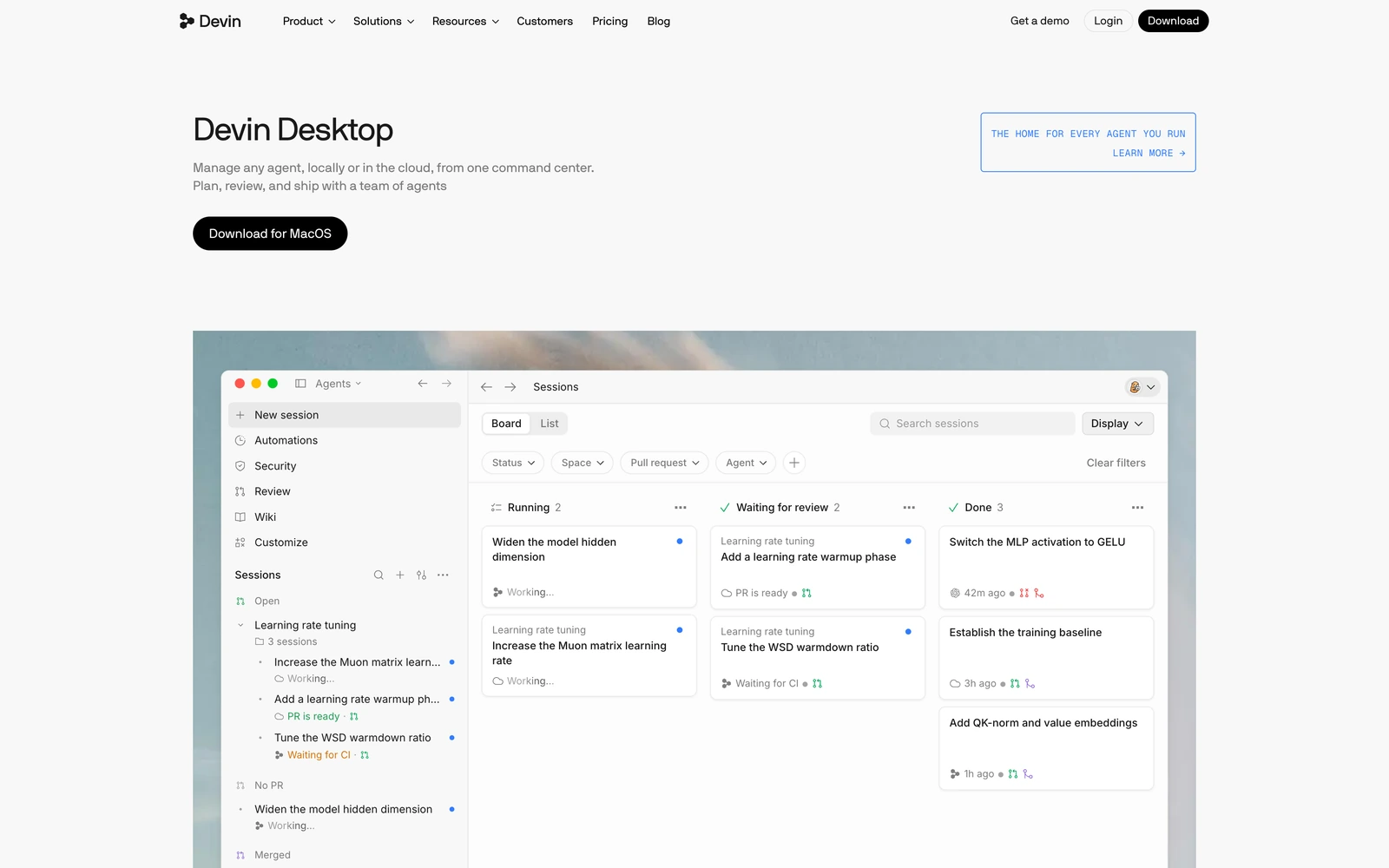
Devin Desktop has a free plan, while Pro starts at $20 per month. Of all the alternatives on our list, it's probably the closest to Cursor in terms of the overall editing experience. You get an AI editor with autocomplete and built-in agents, plus support for external coding agents that can work alongside you in the editor.
One limitation is that we couldn't confirm whether Devin Desktop's built-in agent supports custom API keys or OpenAI-compatible endpoints. External agents may offer these options, but you'll need to configure and pay for their models separately. If you use JetBrains, the Windsurf extension is still available, although it's now in maintenance mode.
Zed
Best for: A fast, open-source editor with support for custom AI models.
Zed is an open-source code editor with built-in AI agents, inline editing, and collaboration features. Unlike Cursor, Zed lets you use your own API keys on its free Personal plan, so you can connect supported AI providers without paying for an editor subscription. The $10-per-month Pro plan adds hosted-model credits and AI-powered edit predictions.
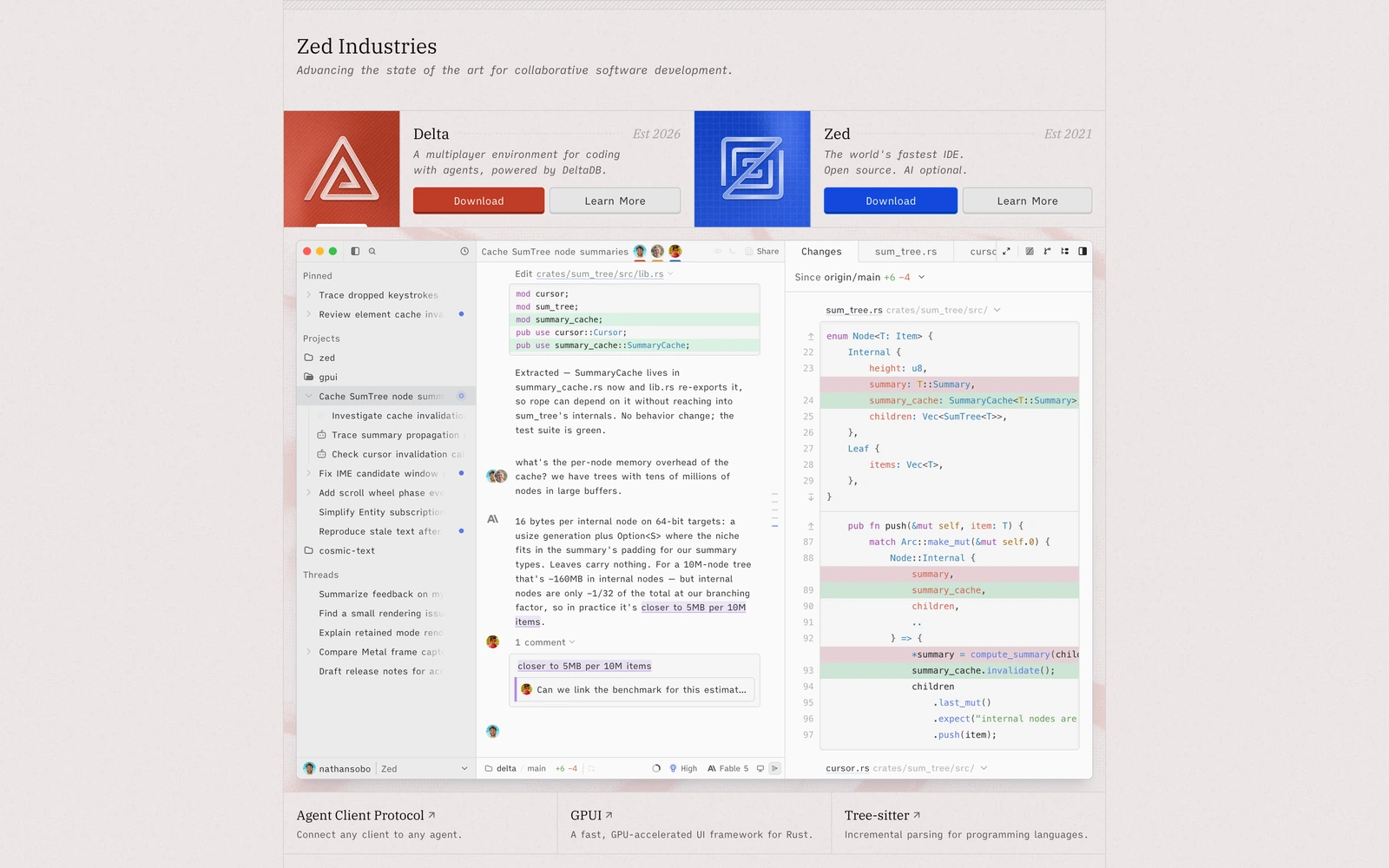
Zed supports a wide range of AI providers, including local models and custom OpenAI-compatible endpoints. You can use its built-in agent or connect external agents such as Claude Code and Codex. The latter use their own credentials and billing, so you can choose how you want to pay for AI usage.
One thing to keep in mind is that Zed's edit predictions, which work similarly to Cursor Tab, are separate from its AI agent. They have their own provider settings, and only certain providers support custom API keys. Local predictions are also possible, but they require a compatible server that implements the OpenAI completions API, not just a standard chat-completions endpoint.
Trae
Best for: A free AI code editor with built-in agents.
Trae is an AI code editor with built-in chat, coding agents, and autocomplete. Like Cursor, it brings these features together in a single editor, so you can get started without configuring API keys or connecting external tools.
Trae offers a free plan, although availability and usage limits may vary by region. You can check the official website for current pricing and restrictions.
Trae also lets you add custom models with your own API key, request URL, and model ID, including OpenAI-compatible services. However, we couldn't confirm whether its free plan or autocomplete supports them. If you want a free editor that works with your own AI provider, Zed or an open-source extension like Cline may be a better fit.
Extensions for VS Code and JetBrains
If you already use VS Code or JetBrains, you don't need to switch editors to get AI coding agents. These extensions add AI features to your existing environment, and some let you use your own API keys or run models locally.
GitHub Copilot
Best for: Adding AI autocomplete and agents to your existing editor.
GitHub Copilot is one of the most popular AI coding assistants, available for VS Code, JetBrains, and other IDEs. It combines inline code suggestions with AI chat and coding agents. Copilot offers a free plan with 2,000 code completions per month, while Pro starts at $10 per month.
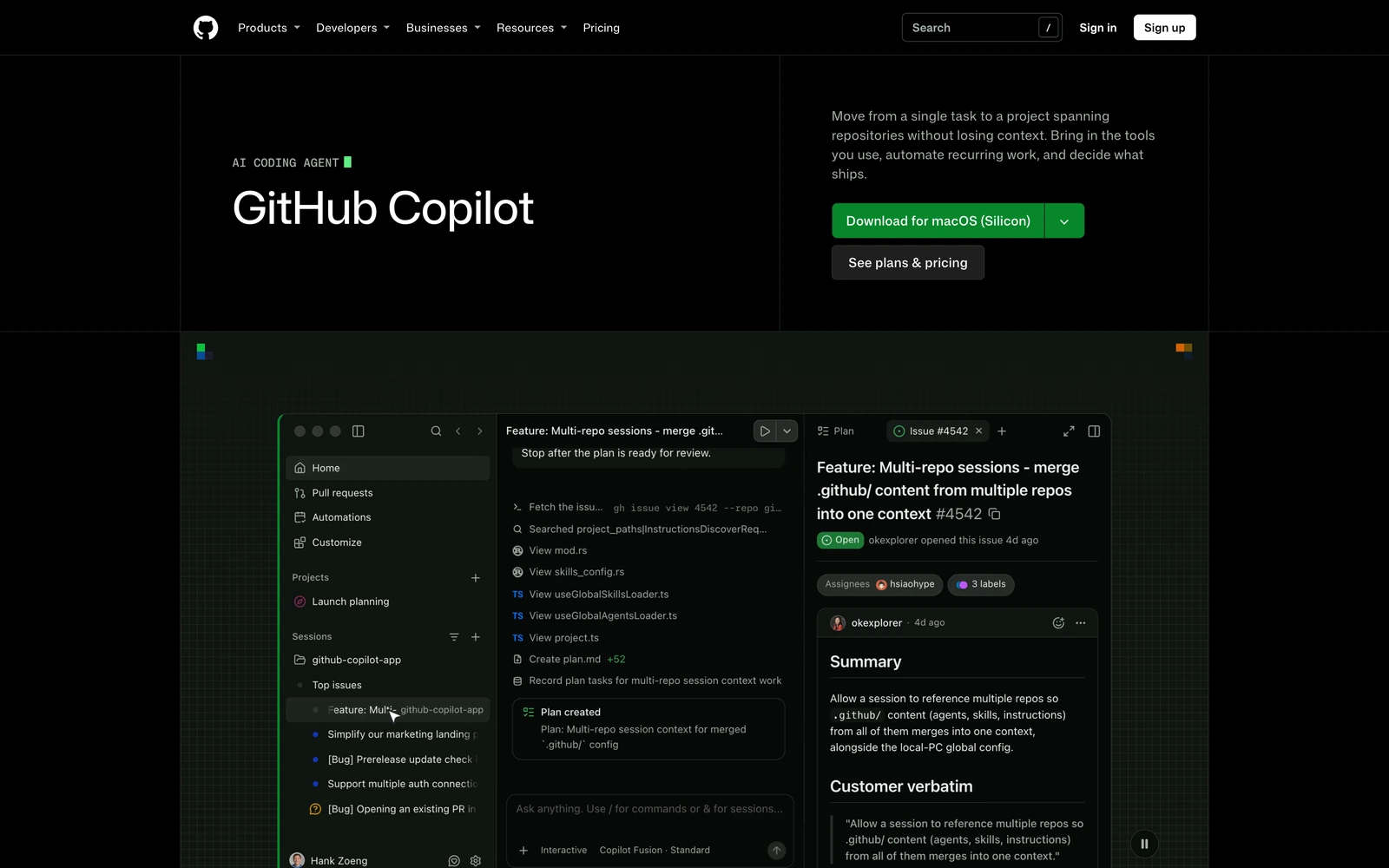
If you use VS Code, you can also bring your own API key or configure a custom endpoint, including a compatible local model server. This lets you use different AI models for chat and agent tasks without necessarily paying for a Copilot subscription. The same options aren't necessarily available in JetBrains or other supported editors.
One limitation is that custom API keys only work for chat and certain other AI features. Inline autocomplete still requires separate Copilot access, so you can't simply connect your preferred model and use it for all code suggestions.
Cline
Best for: A free, open-source coding agent with support for custom models.
Cline is an open-source coding agent that works inside your IDE. It can read your project files, edit code, run terminal commands, and help plan larger development tasks. Unlike Cursor's built-in agent, Cline gives you more flexibility in choosing which AI provider and model to use.
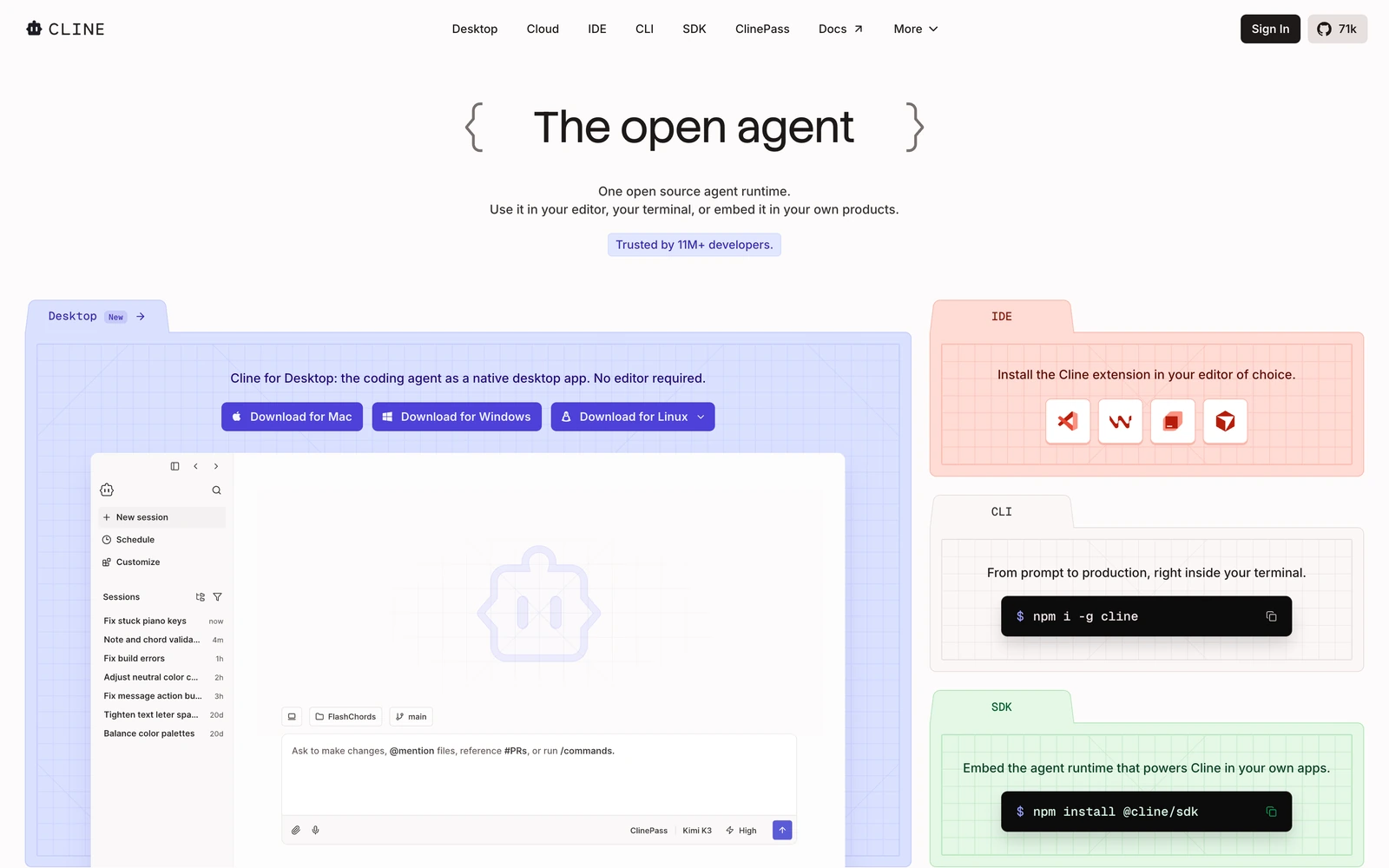
Cline itself is free, and you only pay for model usage. You can connect popular hosted models using your own API keys, use models available at $0 per token, or run local models without API charges. Its OpenAI-compatible integration lets you enter a custom base URL, model ID, and API key, so you're not limited to the providers included in the settings.
Cline also separates planning from execution through its Plan and Act modes. You can discuss an implementation before letting the agent make changes, and review commands before they run. It's a good alternative if you mainly use Cursor for agentic coding, although it doesn't offer the same integrated autocomplete experience. Cline is available through IDE extensions and a CLI, with current integrations listed in its documentation.
Kilo Code
Best for: An open-source coding agent with autocomplete and support for custom models.
Kilo Code is another open-source Cursor alternative available for VS Code, JetBrains, and the terminal. Like Cline, it can work with your project files, make code changes, and use terminal commands. You can connect your own API keys, configure a custom OpenAI-compatible endpoint, or use local AI models.
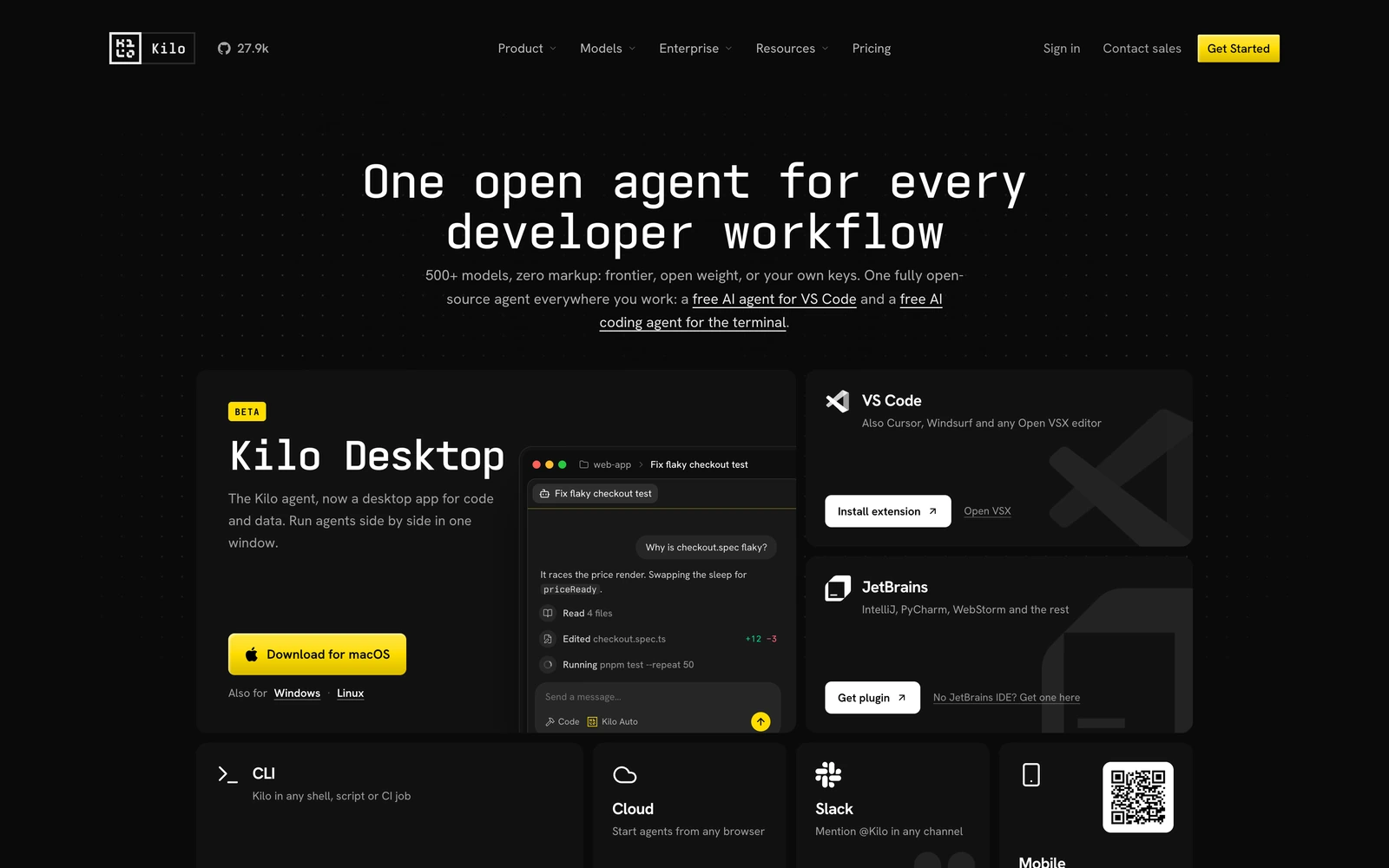
One advantage Kilo has over Cline is built-in autocomplete. You can configure different models for the coding agent and inline suggestions, so you don't have to use the same provider for both. For example, Kilo supports Codestral through Mistral's API for code completion. Not every model supports autocomplete, though, so you'll need to choose a compatible provider.
Kilo Code itself is free, with model usage billed separately if you connect a paid API. You can also use a compatible local model server to avoid paying for hosted inference. This makes Kilo worth considering if you want both agentic coding and autocomplete without paying for a Cursor subscription.
Terminal coding agents
Terminal coding agents work alongside your existing editor, so you don't need to change your development environment. They can read and edit project files, run commands, and help with debugging and testing. However, most don't provide inline autocomplete like Cursor Tab.
Claude Code
Best for: Working with Claude models on larger coding tasks.
Claude Code is Anthropic's AI coding agent, available through the terminal and supported IDE integrations. It can explore your codebase, edit files, run tests, and handle multi-step development tasks. Unlike Cursor, Claude Code doesn't require a separate editor subscription. You can use it with a Claude Pro subscription, starting at $17 per month with annual billing, or pay for usage through the Anthropic API.
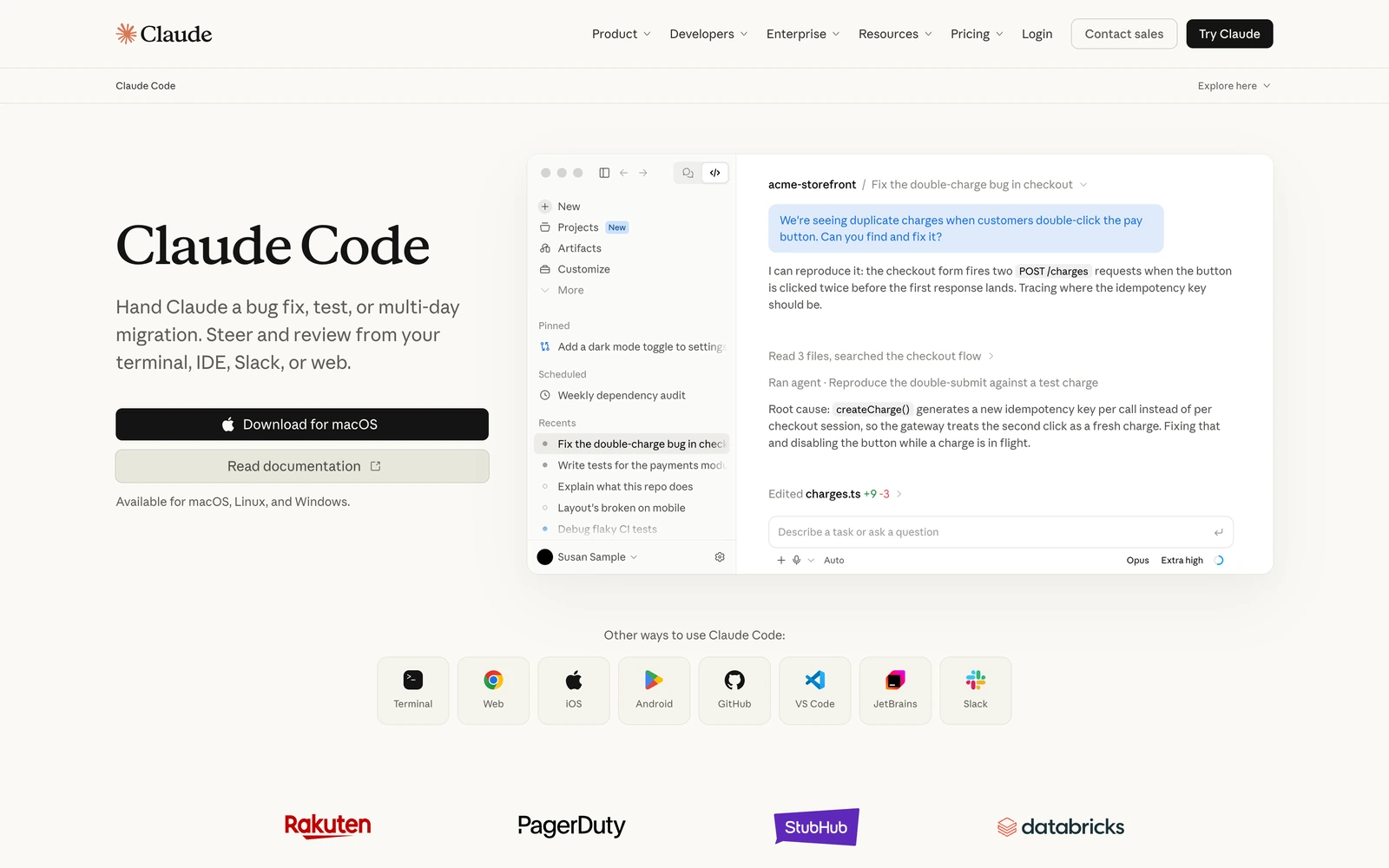
Claude Code also supports LLM gateways, which let teams route requests through their own infrastructure to manage API keys and usage. However, Anthropic only supports Claude models in Claude Code. While third-party gateways may offer access to other models, Anthropic explicitly states that using non-Claude models this way is unsupported.
This makes Claude Code a good Cursor alternative if you already prefer Claude models. If you want to switch freely between GPT, Claude, and local models, an open-source agent like Cline, Kilo Code, or OpenCode offers more flexibility.
OpenAI Codex
Best for: Using OpenAI's coding agent without switching editors.
Codex is OpenAI's coding agent, available as a terminal tool, IDE extension, and desktop app. Like Claude Code, it can inspect your repository, make changes across multiple files, run commands, and help debug code.
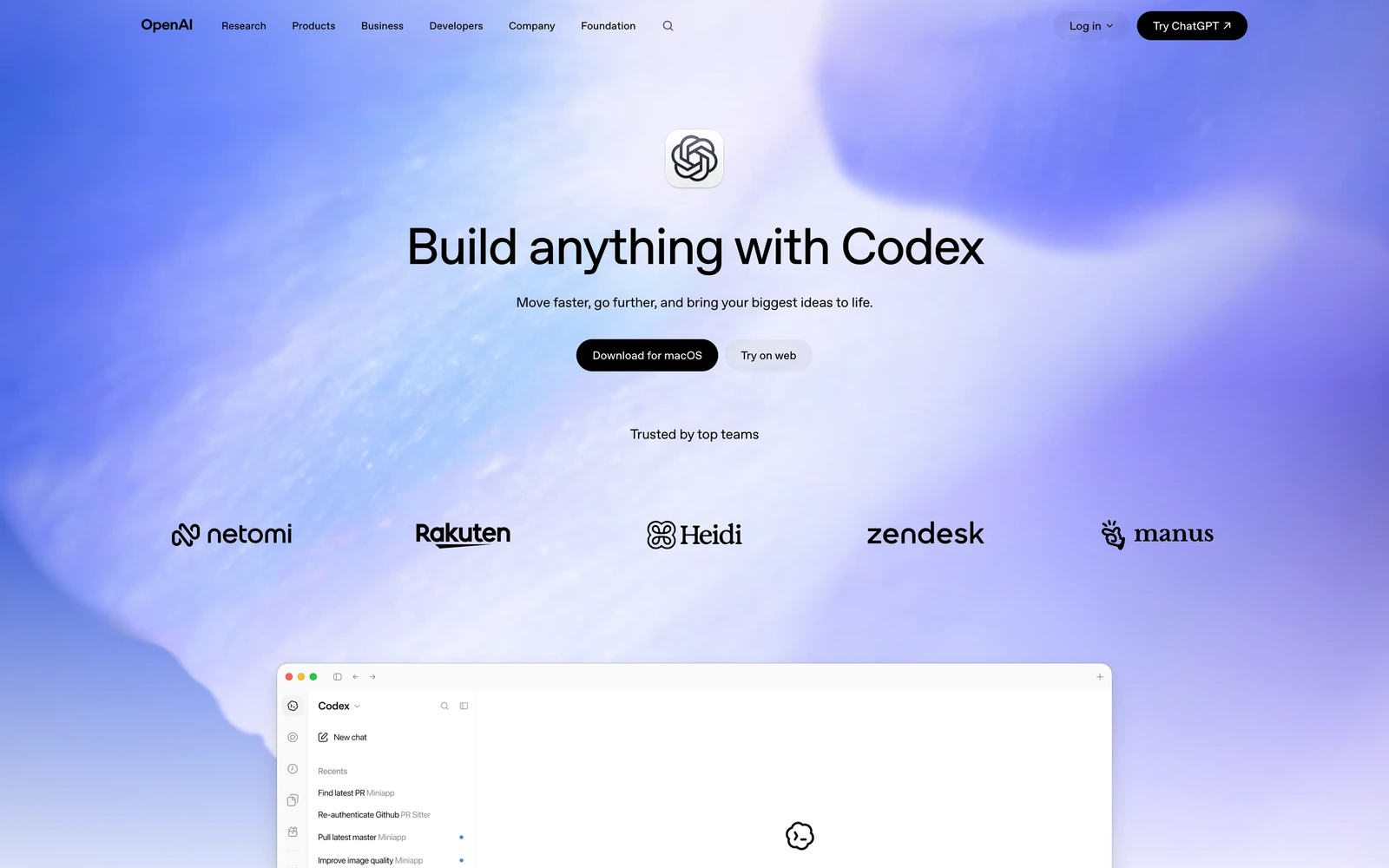
Codex is included with eligible ChatGPT subscriptions, and limited access is also available on Free accounts. Alternatively, you can connect through the OpenAI API and pay for model usage separately.
Codex also supports custom model providers. You can configure a base URL and API key, including for compatible local model servers. However, not every OpenAI-compatible endpoint will work with Codex. Your chosen model and provider must support the APIs and tool-calling behavior the agent requires.
If you already use ChatGPT, Codex is worth trying before paying for another AI coding subscription. It gives you access to agentic development without requiring Cursor or another dedicated editor.
OpenCode
Best for: A free, open-source coding agent with support for almost any model provider.
OpenCode is an open-source coding agent that runs in your terminal and integrates with supported editors. Like Claude Code and Codex, it can work with your codebase, edit files, and execute commands, but it gives you more freedom in choosing which AI models to use.
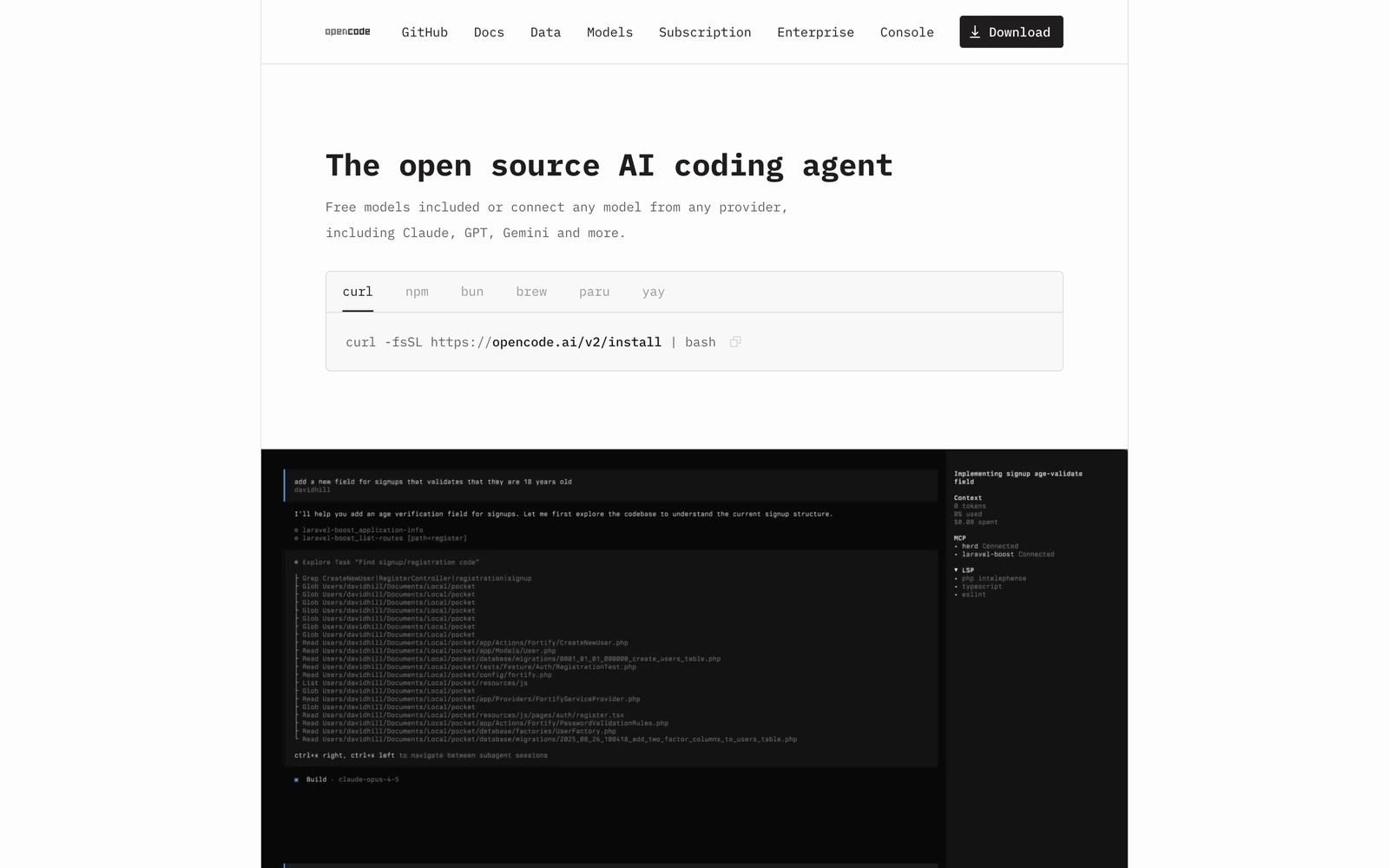
OpenCode supports a wide range of hosted AI providers, custom OpenAI-compatible endpoints, and local models through tools like Ollama. Its provider documentation explains how to configure each option. The agent itself is free, so you only pay for inference if you use a paid API.
This makes OpenCode particularly interesting if you want to experiment with different coding models without changing tools. You can use Claude for more demanding tasks, switch to a cheaper hosted model for routine changes, or run a compatible local model without API charges. Just keep in mind that smaller models may struggle with complex agent workflows, especially when they need to make multiple tool calls.
Aider
Best for: Git-based pair programming from the terminal.
Aider is a free, open-source AI coding tool that works directly with your Git repository. You can ask it to edit files, fix bugs, or implement features while continuing to use your preferred code editor. Aider also integrates with Git, so it can create commits for the changes it makes.
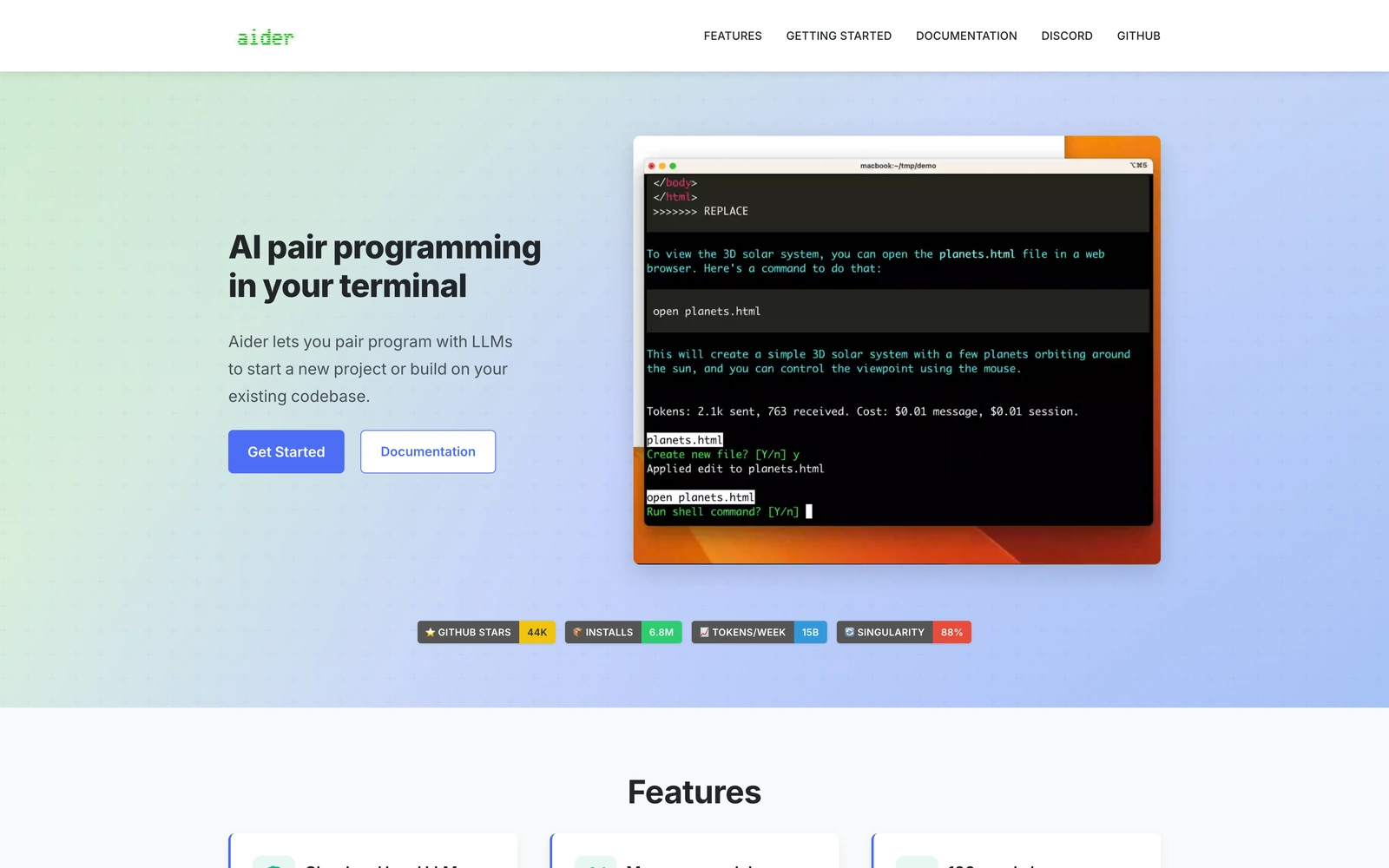
One of Aider's advantages is its broad model support. You can connect hosted providers through their APIs, configure a custom OpenAI-compatible endpoint, or run local models. For a custom endpoint, set OPENAI_API_BASE and OPENAI_API_KEY, then select your model using the openai/ prefix.
Aider itself costs nothing to use. You pay for tokens when using a hosted model, or you can run a compatible local model if your hardware can handle it. Compared with Cursor, Aider has a simpler, terminal-focused workflow without built-in autocomplete or a dedicated editor. It's a good option if you prefer working with Git and want an AI assistant that can make changes directly to your repository.
Run Cursor alternatives with your own API key
One advantage of open-source coding agents is that you can choose which AI models to use and pay for them directly, without an editor subscription. You can also switch between models depending on the task, using a cheaper model for simple edits and a more capable one for complex coding.
AI/ML API is an AI model aggregator platform we've built that provides access to Claude, GPT, and open-source models through a single API key. You can connect it to Cline, Kilo Code, OpenCode, and Aider using their OpenAI-compatible endpoints. Codex and Claude Code have additional API and model requirements, so they need to be configured separately and won't necessarily support the same models.
You don't necessarily have to pay for model usage, either. AI/ML API also offers free models that you can connect to a compatible coding agent. To access them, top up your AI/ML API balance to verify your account. After that, free models cost $0 per token, so you can use AI coding tools without paying for an editor subscription or API tokens.
Free models for coding agents
If you want to try an AI coding agent without paying for model usage, AI/ML API offers several models at $0 per token. For example, Nemotron 3.5 Lightning costs $0 per million input and output tokens and supports tool calling, which agents need to edit files and run commands.
You can connect it to a compatible coding agent using the model ID nvidia/nemotron-3.5-lightning. Keep in mind that free model availability and account requirements may change.
In our test, Nemotron 3.5 Lightning fixed two small bugs through Cline in about five minutes and passed all 17 tests. A free model can handle a small job like this, although you may want a paid model for more complex work.
Whether you choose a free or paid model, the next step is connecting AI/ML API to your coding agent. You can do this automatically using the CLI or configure the connection manually.
Setup in one command
The easiest way to connect AI/ML API is through its CLI, which can configure Cline, OpenCode, Codex, and Claude Code for you. Run the command for your preferred agent:
npx aimlapi cline
npx aimlapi opencode
npx aimlapi codex
npx aimlapi claude
Follow the setup instructions to sign in. The CLI creates an API key and configures your agent to use AI/ML API. To use a free model, top up your AI/ML API balance first to verify your account.
For Cline, the configuration applies to both the CLI and VS Code extension. If you want to switch back to your previous provider, run npx aimlapi cline --undo, as explained in the Cline integration guide.
Before making your first request, check which model the CLI selected. The default may be a paid model, and usage is billed to your AI/ML API account. Claude Code also requires a supported Claude model, while Codex has its own API compatibility requirements.
Manual setup with base URL
If your coding agent isn't supported by the CLI, or you'd rather configure the connection yourself, you can use AI/ML API's OpenAI-compatible endpoint. First, create an API key. To use a free model, top up your balance to verify your account. Then enter the following settings in your agent:
| Setting | Value |
|---|---|
| Provider | OpenAI Compatible, or equivalent |
| Base URL | https://api.aimlapi.com/v1 |
| API key | Your AI/ML API key |
| Model ID | Exact model ID from the AI/ML API catalog |
The configuration process varies slightly between tools. AI/ML API has dedicated setup guides for Cline, Kilo Code, and Aider. You can also configure a custom provider in Zed's API settings.
Aider requires one additional detail: it expects an openai/ prefix before the model ID. For example, to use Nemotron 3.5 Lightning, you would enter openai/nvidia/nemotron-3.5-lightning instead of nvidia/nemotron-3.5-lightning.
If you're unsure which model to connect, see our comparison of the best LLMs for coding.
How much do free Cursor alternatives cost?
As we've seen, you can use a Cursor free alternative without paying for an editor subscription or even AI model usage. However, free plans have limits, and free models aren't always the best choice for complex coding tasks. So how much should you expect to pay if you need a more capable model?
With open-source agents like Cline, Kilo Code, OpenCode, and Aider, the software itself is free. If you connect a paid model through an API, you pay for the tokens it processes. Unlike a fixed monthly subscription, your costs depend on how much you use the agent and which model you choose.
To see what this looks like in practice, we gave coding agents the same small job with different models on AI/ML API: fix two billing bugs in a 115-line Python project. We then checked the code with 17 tests, including some the agent hadn't seen. The three sessions below are examples of what such a job can cost, and all three passed every test:
| Agent and model | Uncached input tokens | Cached input tokens | Output tokens | Session cost |
|---|---|---|---|---|
| OpenCode + Claude Sonnet 5 | 22,861 | 305,280 | 12,794 | $0.25 |
| OpenCode + DeepSeek V4.1 Flash | 11,485 | 59,136 | 2,128 | $0.003 |
| Cline + Nemotron 3.5 Lightning | 100,345 | 783,904 | 26,303 | $0 |
Claude Sonnet 5 costs $2 per million input tokens and $10 per million output tokens, while cached input costs $0.20 per million. That's why 305,280 cached tokens added only about $0.06 to the bill. Input written to the cache costs $2.50 per million, and 21,808 of the uncached tokens in this session were cache writes. They added $0.011 to the $0.235 calculated at the base rates, so the session cost $0.246 in total. Actual costs depend on the model, cached-token pricing, and how many tokens your agent uses. You can compare current model prices in the AI/ML API catalog.
One thing worth keeping in mind is that coding agents tend to use more tokens than regular AI chat. Every time an agent reads a file, runs a command, or retries a failed change, it may add more tokens to the conversation. A task that looks simple can therefore become expensive if the agent needs several attempts to complete it.
If you run agents frequently, it's worth checking their token usage after a few sessions. This will give you a better idea of whether paying per token or using a subscription makes more sense for your workflow.
Which Cursor alternative should you use?
You don't need to pay for Cursor Premium to get AI coding agents, autocomplete, or access to Claude and GPT. The best Cursor alternatives we've covered offer these features at lower prices, although not every tool combines them in one editor.
- For an experience closest to Cursor, try Devin Desktop. It combines an AI editor, autocomplete, and built-in agents.
- For VS Code or JetBrains, GitHub Copilot is a good choice for autocomplete, while Cline and Kilo Code offer more flexibility with AI models.
- For a standalone editor with custom API keys, try Zed. Its free plan supports external providers and local models.
- For terminal-based development, Claude Code and Codex work well with their respective model ecosystems. OpenCode and Aider support a wider range of providers.
- For $0 per-token usage, use Cline, Kilo Code, or OpenCode with a free model through AI/ML API. First, top up your balance to verify your account and unlock free models.
We'd recommend starting with Cline if you already use VS Code and want to avoid another subscription. You can connect your own API key, try different models, and keep working in your existing editor. If you also need inline autocomplete, Kilo Code is worth considering instead.
Frequently asked questions
Is there a free alternative to Cursor?
Yes. GitHub Copilot, Devin Desktop, Trae, and Zed offer free plans. Cline, Kilo Code, OpenCode, and Aider are also free, but you need to provide your own AI model. You can avoid per-token charges by running a model locally or using a free hosted model. On AI/ML API, you get access to free models after a balance top-up that verifies your account.
Can I use my own API key in Cursor?
Yes, but only on eligible plans and with supported models. Requests made with your own API key still pass through Cursor's servers and aren't covered by its Zero Data Retention policy. You also can't use your API key for Cursor Tab autocomplete.
Which Cursor alternative works with Claude or GPT?
Cline, Kilo Code, and OpenCode support both Claude and GPT through compatible API providers. Claude Code only officially supports Claude models, and Anthropic doesn't support using other models through third-party gateways.
Which Cursor alternative supports local models?
Zed, Cline, Kilo Code, OpenCode, and Aider support local models through compatible servers. VS Code also supports local models for chat through provider extensions. You'll need a model that fits your hardware and supports the features your coding agent requires.