Seedance 1.0 Lite: A Comprehensive Prompt Guide
Unleash the full potential of video generation with Seedance 1.0 Lite, the groundbreaking model from ByteDance. This latest iteration offers superior semantic understanding, precise instruction following, and stable motion, delivering delicate high-definition video quality and powerful camera control. Seedance 1.0 is engineered for efficiency, balancing exceptional video generation with significantly improved speed, making it an ideal choice for creators seeking both quality and rapid production.
Understanding Seedance 1.0 Lite: Core Capabilities
Seedance 1.0 Lite builds upon its predecessors with enhanced capabilities for generating multi-style videos boasting film and television-level aesthetics. It supports video durations of 5s or 10s at 24fps, with resolutions including 480P and 720P, and 1080P support coming soon. As a smaller parameter version, Seedance 1.0 Lite provides a cost-effective solution without compromising on the visual fidelity of your generated content.
Crafting Effective Prompts: The Foundation of Video Generation
Whether you're working with Image-to-Video or Text-to-Video, the art of prompting is crucial. The model excels at expanding on your input, so clarity and detail in your Seedance prompts are key.
Text-to-Video Prompt Structure
For Text-to-Video tasks, your prompt should follow a clear structure:
Prompt = subject + movement + scene + camera, style...
Core Elements: Subject, movement, and scene are the most fundamental components. The model will interpret these to generate your desired video.
Detailed Descriptions: Enhance your video by providing rich details.
- Characters: Describe their appearance, attire, and posture.
- Environment: Give specific details about natural settings (e.g., mountains, deserts) or architectural spaces (e.g., studios, bathrooms) to emphasize visual and sensory experiences.
- Emotion and Dynamics: Weave a compelling narrative by depicting character emotions and environmental dynamism.
Atmosphere: Use descriptions of light (e.g., dusk, morning, dim, warm light) to set the mood.
Prompt Example #1
Portrait photography with a sense of design, psychedelic and cool light blue tones, butterfly light, close-up shot of a young white woman. She has high-level black short hair, raised eyebrows on the right side, thick eyelashes, a high nose bridge, biting red lips, and staring at the camera with disdain. The camera is pulled back, and the foreground is broken glass in the air, blocking part of the woman's face.
Basic parameters: variable camera, 720p, 16:9 aspect ratio, 5s
Prompt Example #2
In the cold winter valley with snowflakes falling, a close-up shot of a beautiful young white woman turned her head to look at the camera. She has black wavy long hair, a pointed chin, thick raised eyebrows, deep eye sockets, red pupils, dark eyeshadow and upward eyeliner, a straight nose, thick lips, and very bright red lips. Her jawline is clear, her nails are very long, and she is doing a red manicure. The woman is wearing a black robe, a hat to cover her eyebrows, a slightly open collar with clear collarbones, and her eyes staring at the camera with a very attractive gaze. The background is covered with thick green vegetation, and snowflakes are falling in the air. The camera slightly surrounds the woman to the left, and the woman raises her right hand on her chin, looking at the camera with a charming smile.
Basic parameters: non-fixed camera, 720p, ratio 9:16, 5s
Refining Image-to-Video Prompts
When converting an image to video, consider the existing elements and focus your prompts on dynamic changes:
Prompt = subject + movement, background + movement, Camera + movement ...
- Minimize Static Descriptions: Since the graphic video already has a scene, focus on describing the moving parts.
- Simplicity and Directness: Use straightforward language. The model will expand on your clear expressions.
- Feature Description: Highlight prominent features of subjects and use degree adverbs (e.g., fast, large amplitude) to specify the intensity of actions.
- Adherence to Source Image: Your prompts must align with the input image. Avoid contradictions, such as describing a man if the image shows a woman, or a different background than what's present.
- Negative Prompts: Negative prompts do not work with Seedance 1.0 Lite. Instead of stating what you don't want, clearly state what you do want. For instance, to make a boy wave, write: "Make the boy in the photo wave his hands," not "The boy in the photo can't stay still."
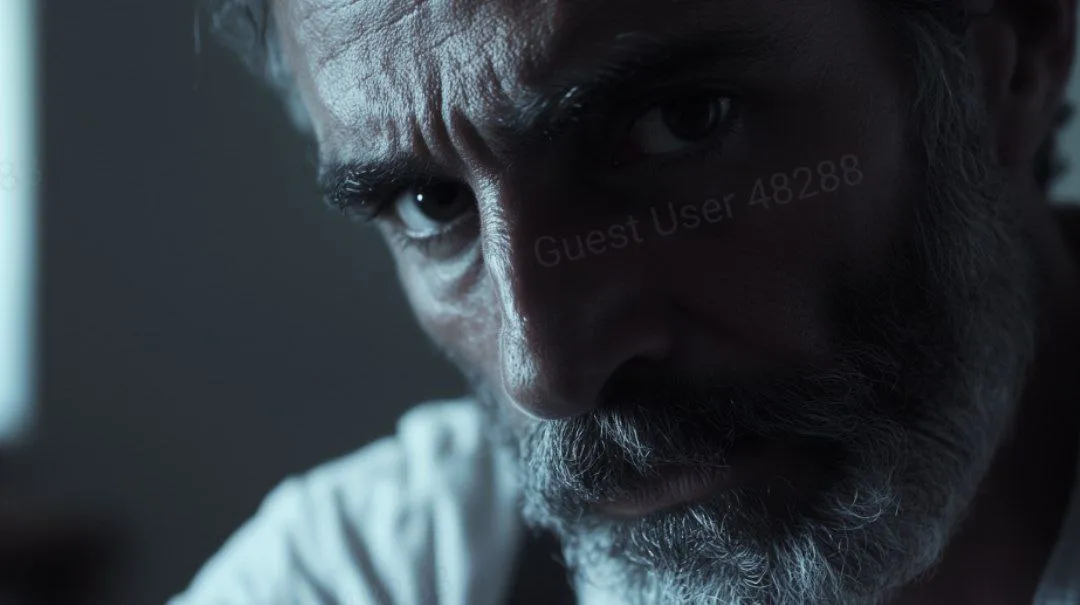
Example (Single Subject + Single Action):
Advanced Actions and Camera Control
Seedance 1.0 Lite excels at handling complex actions and sophisticated camera movements, offering creators immense flexibility.The model can interpret and generate videos with multiple consecutive actions or different actions performed by multiple subjects. Simply list them in chronological order.
Prompt Examples
Multi-Step Action
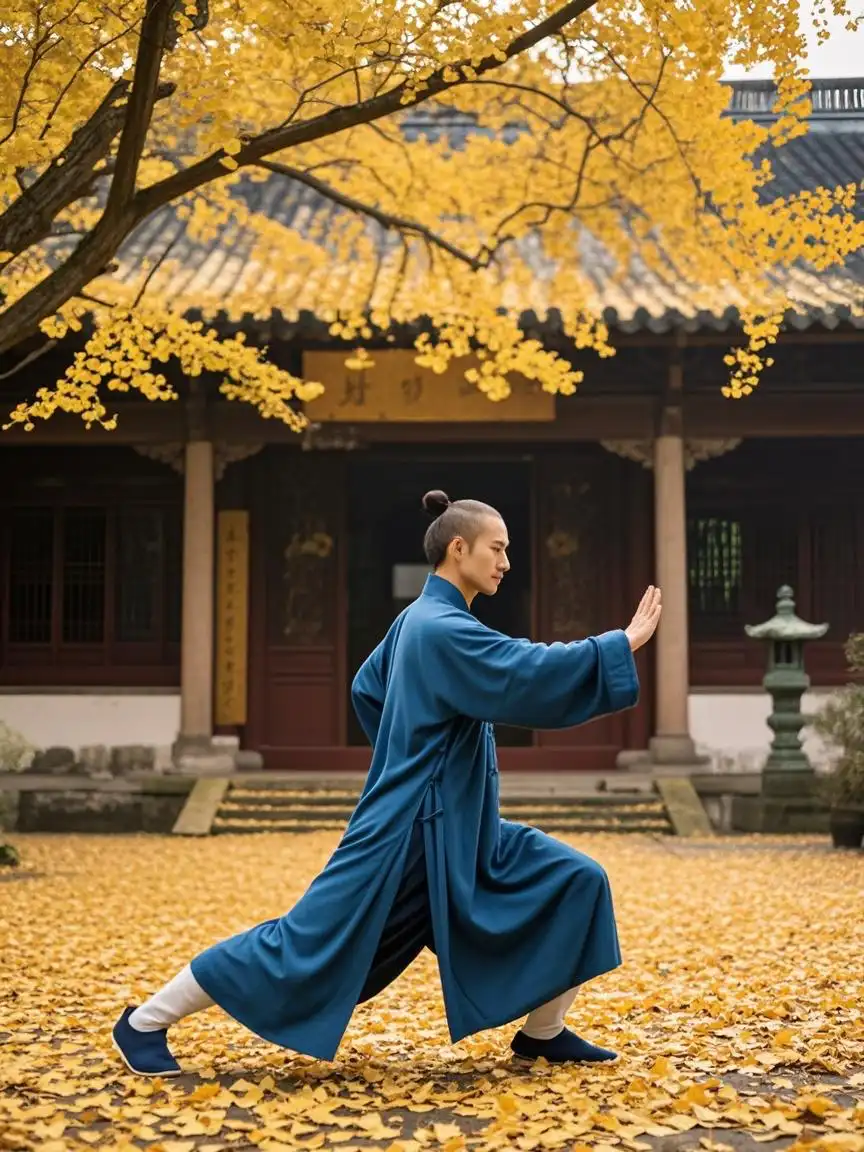
Sequential actions with expression change
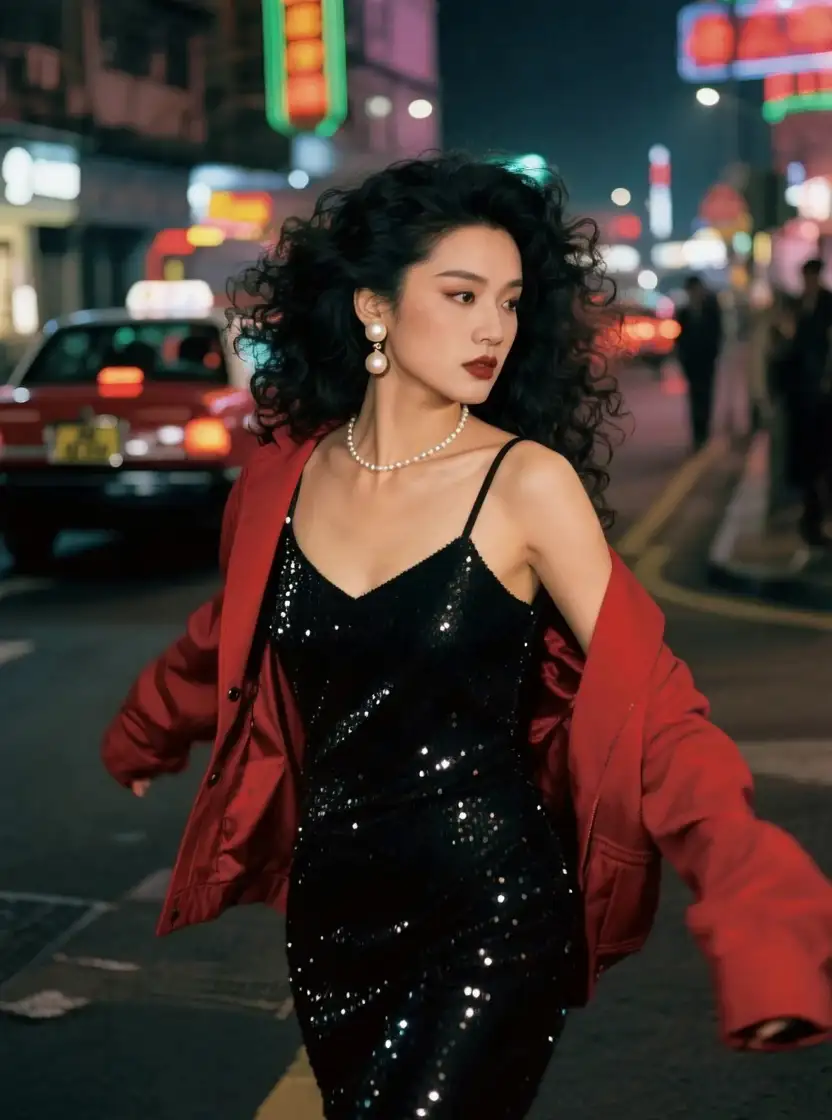
Focus shift with character action
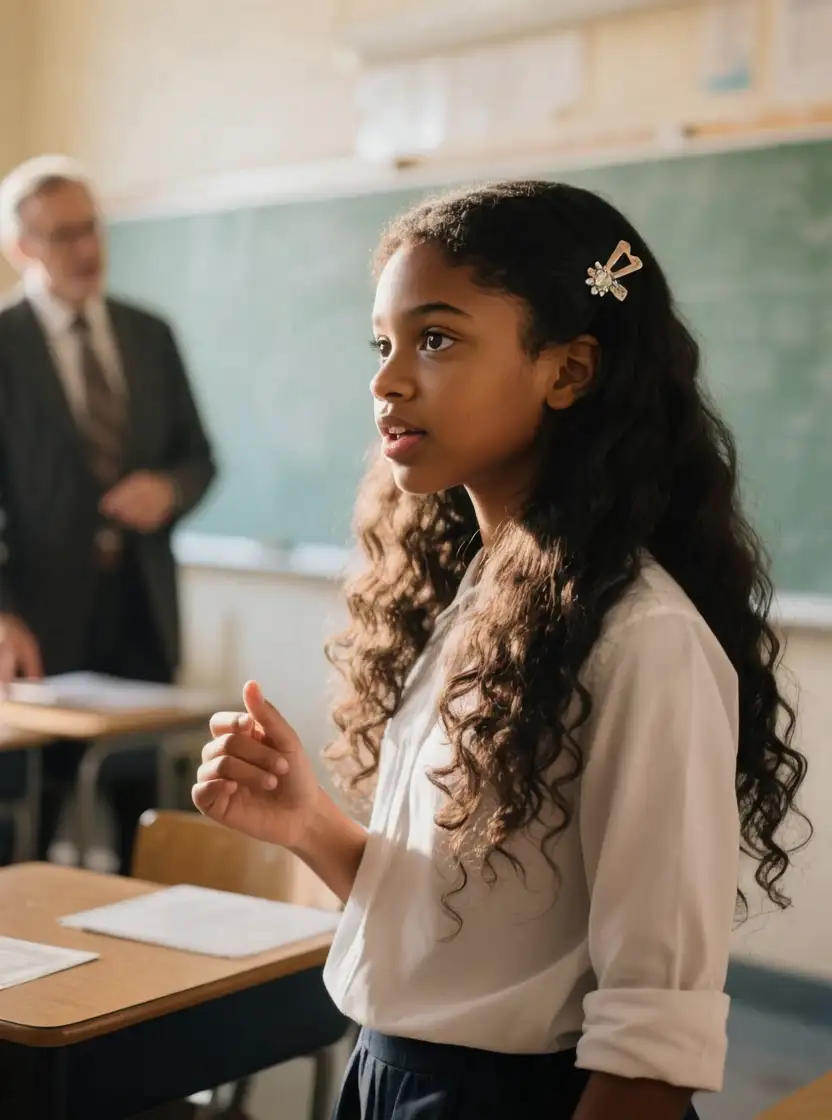
Interaction between subjects
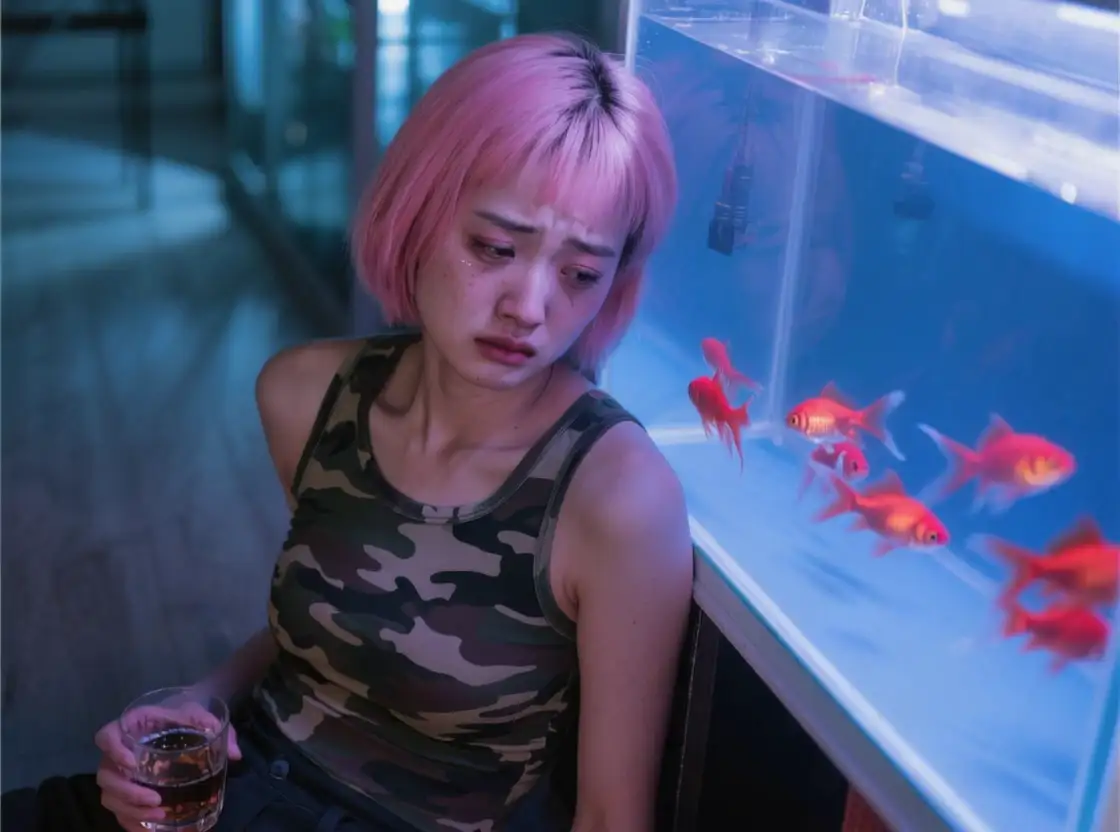
Dynamic Camera Movements and Switching
One of Seedance 1.0's strengths is its ability to interpret natural language for camera control, including movements like surround, aerial, zoom, pan, follow, handheld, and camera switching.
- Consistent Multi-Shot Prompts: When designing multi-shot videos, ensure you describe the inherent connection between shots.
- Camera Switching Keywords: Use clear prompt words such as "Cut to," "Camera cut to," or "Camera switching" to indicate changes.
- Scene Changes: If the scene changes after a cut, remember to describe the new scene.
- Non-Fixed Camera: Always select "non-fixed camera" in basic parameters when specifying camera movements.
- Applicability: Camera prompts are also effective in Text-to-Video scenarios.
Camera Movement Examples
Camera switch to close-up
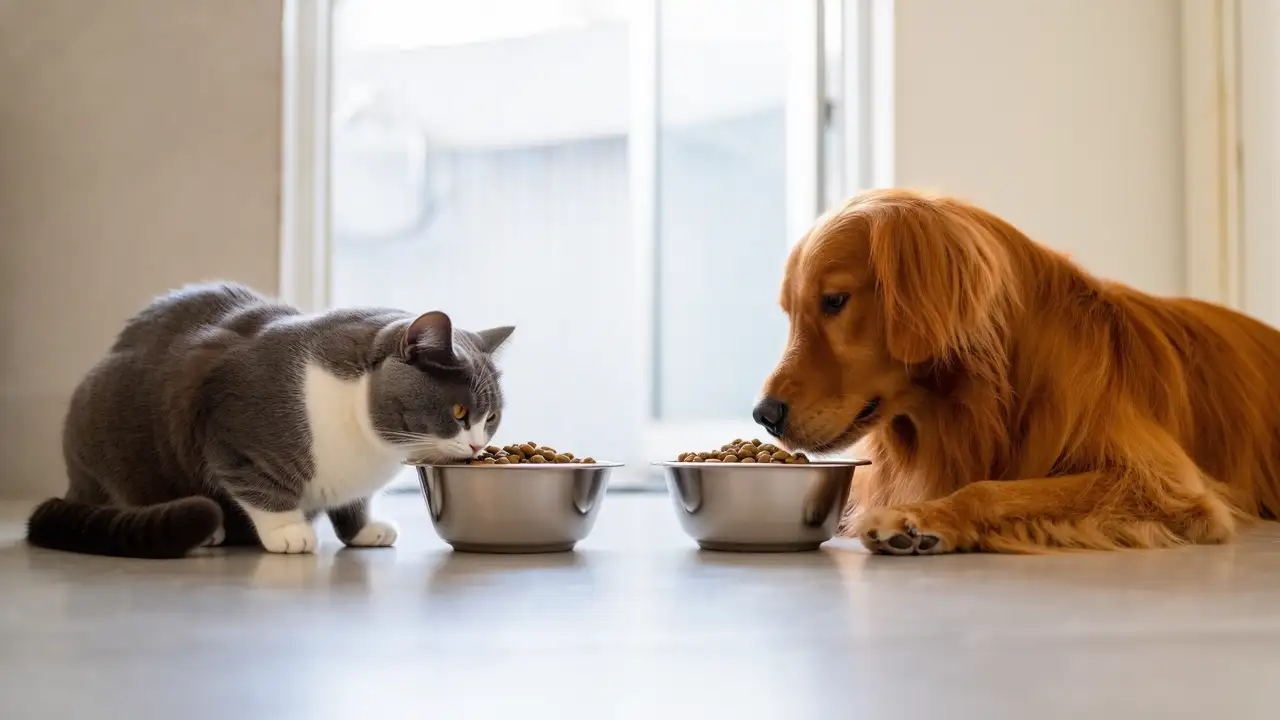
Panoramic shot with subject focus and camera switch
.webp)
Slow camera pan
.webp)
Zooming to reveal a subject
.webp)
Wrap-around and close-up
.webp)
Leveraging Degree Adverbs for Enhanced Expressiveness
To effectively convey the frequency, intensity, or traits within your video, strategically use degree adverbs in your text prompts.
- Clarity: The model cannot infer motion intensity from an image, so explicitly state it in your text prompt. For example, specify "car quickly passing by" instead of just "car passing by."
- Exaggeration for Effect: Moderate exaggeration can significantly enhance the video's expressiveness. Consider "man's crazy roar" instead of "man's roar," or "wings flapping wildly" instead of "wings flapping gently."
Common Degree Adverbs: fast, intense, large, high frequency, strong, crazy
Fast movement with dynamic camera
.webp)
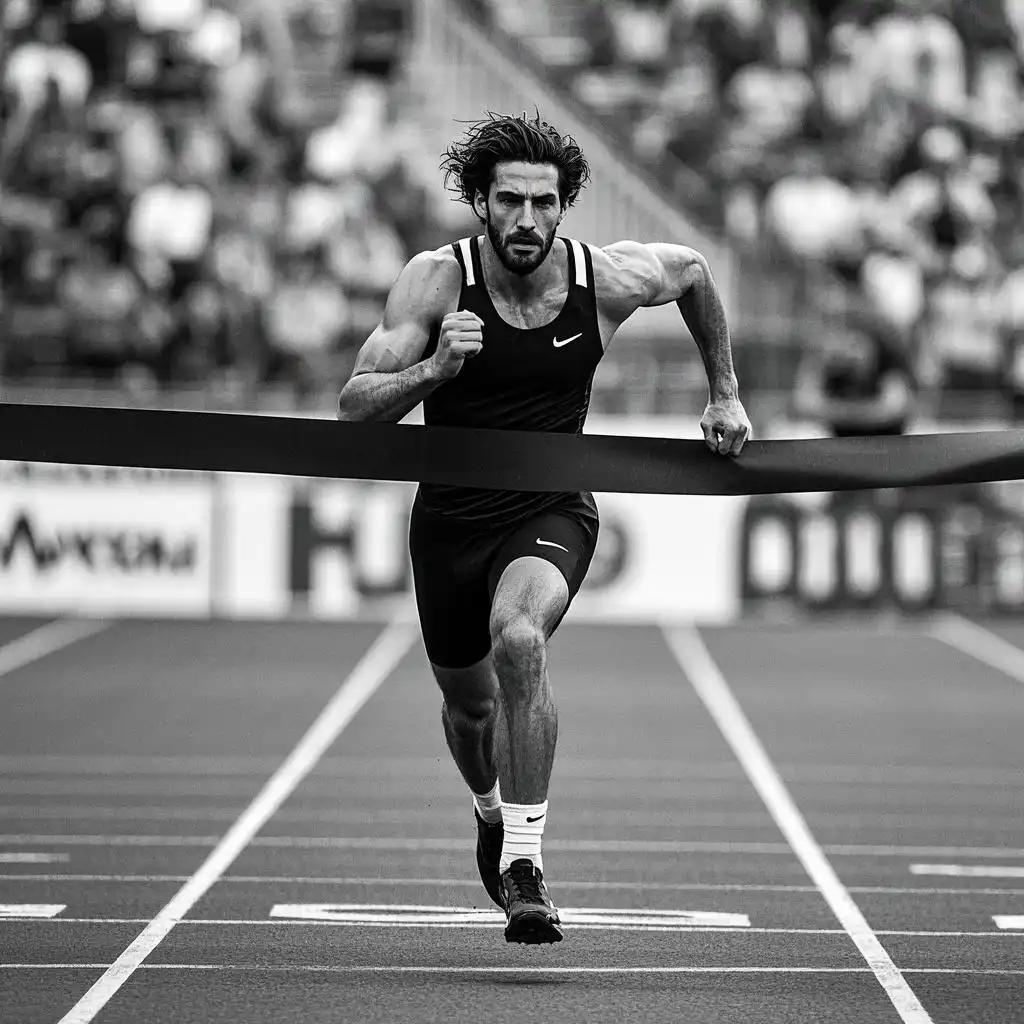
Intense athletic performance
Important Considerations
While Seedance 1.0 Lite offers impressive capabilities, remember that models can sometimes exhibit "collapse" (unexpected or undesirable results). If this occurs, try generating the video multiple times to select the best outcome. Additionally, you can adjust your prompts to avoid problematic elements, such as explicitly not showing hands or feet if they consistently appear distorted.
The Seedance model is continuously evolving. Keep an eye out for upcoming features, including "beginning and end frames" video generation and "reference image" video generation capabilities, which are expected to further enhance your creative control.
Empower your vision and embrace the cutting-edge capabilities of AI video generation with Seedance 1.0 Lite and discover how it can revolutionize your digital storytelling and usher in the next era of AI video production with AI/ML API.
Frequently Asked Questions
What is Seedance AI?
Seedance AI is a series of video generation models developed by ByteDance's Doubao large language model team, designed to create high-quality, cinematic videos from text or images.
What are the main differences between Seedance 1.0 and Seedance 1.0 Lite?
Seedance 1.0 offers advanced capabilities for video generation with detailed control. Seedance 1.0 Lite is a smaller, more efficient version that prioritizes speed and cost-effectiveness while maintaining excellent video quality.
What video resolutions and durations does Seedance AI support?
Seedance AI supports 5 or 10-second video outputs at 24fps, with resolutions of 480P and 720P currently available, and 1080P coming soon.
Can I animate existing images with Seedance AI?
Yes, Seedance AI offers an "Image-to-Video" mode that allows you to animate static images with precise control over motion and style.
Do negative prompts work with Seedance AI?
No, the current Seedance AI models do not respond to negative prompts for either Image-to-Video or Text-to-Video generation.
How can I specify camera movements in my prompts?
You can use natural language to describe various camera movements such as "surround," "aerial," "zoom," "pan," "follow," and "handheld." Remember to select "not fixed lens" in the basic parameters when using camera movement prompts.
.webp)