Best ChatGPT Alternatives for Writing, Coding and Research
ChatGPT can help you write, code, research topics and work with documents, but you don't necessarily need ChatGPT for all of that. Depending on what you use AI for, another assistant might give you better results, work more closely with the software you already use or offer the features you need for free.
To help you find the right one, we've compared the best ChatGPT alternatives for writing, coding, research and everyday tasks, looking at what each app can do, what it costs and where it makes more sense than ChatGPT.
ChatGPT alternatives at a glance
Here's how the alternatives compare on features, pricing and free access. We've included ChatGPT as a reference.
App | Best for | Free plan | Paid plans | What to know |
|---|---|---|---|---|
ChatGPT (reference) | Everyday tasks, images and coding | Chat, images, search and Codex, with limits | Go $8/month, Plus $20/month. Pro from $100/month | File uploads and other features have usage limits |
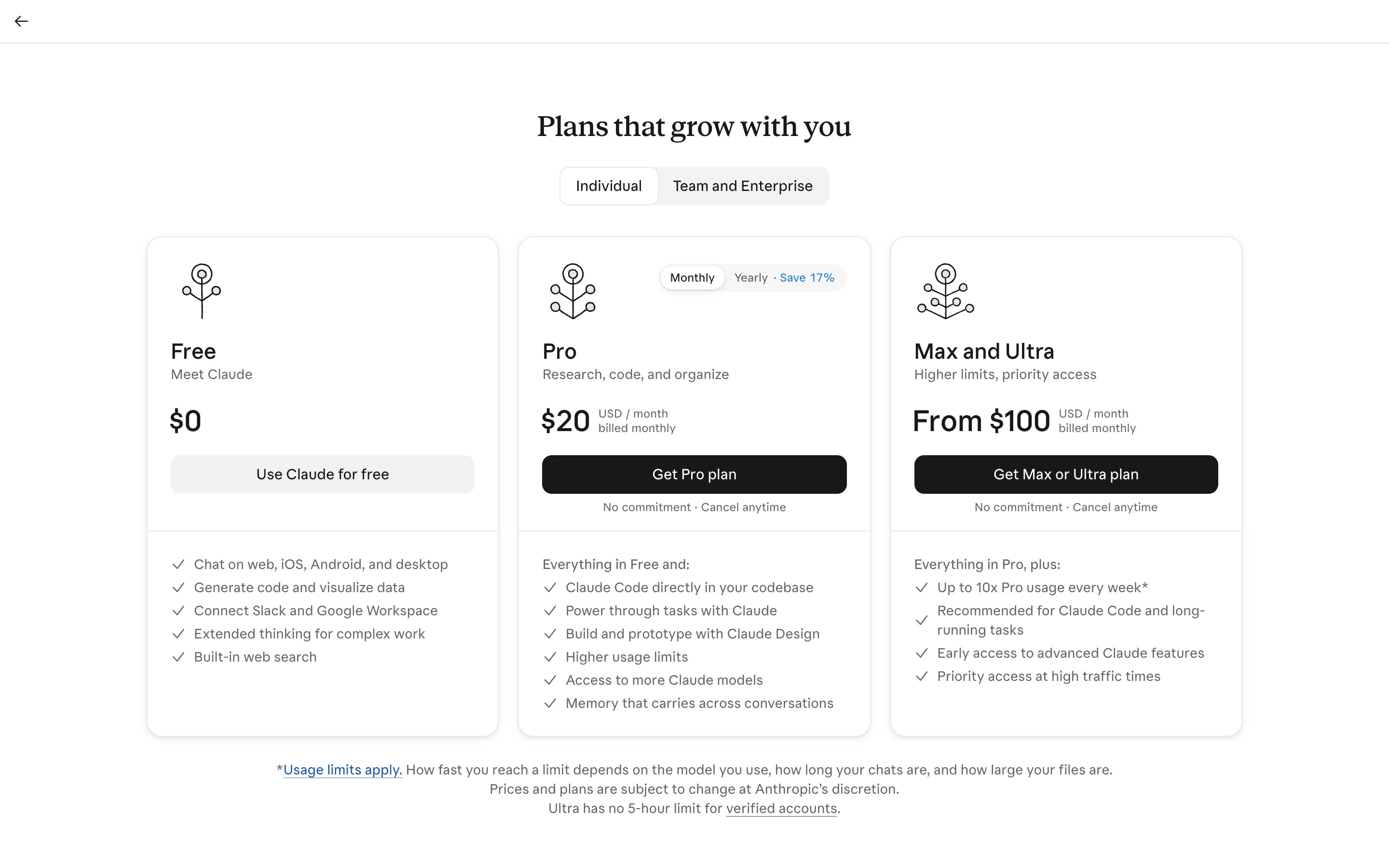
Claude | Writing, research and coding | Sonnet 5.5, Haiku 5.5, files, web search and up to five Projects | Pro $20/month or $200/year. Max $100/month, Ultra $200/month | No image generation. Claude Code requires Pro or higher |
Gemini | Gmail, Docs and Google Drive | Flash-Lite, image generation, Deep Research and Canvas | AI Plus $4.99/month, AI Pro $19.99/month. Ultra from $99.99/month | Using Gemini inside Gmail and Docs requires a paid plan; connected-app search is available on Free. |
Perplexity | Research with cited sources | Basic searches and limited Pro Searches | Pro $17/month, billed annually. Max $167/month, billed annually | Advanced models and image generation require a paid plan |
Microsoft Copilot | Word, Excel, PowerPoint and Outlook | Copilot chat with a Microsoft account | Copilot in desktop Office apps requires Microsoft 365 | |
Grok | Chat and X in one subscription | Chat on grok.com, with optional sign-in | Higher-tier prices vary by region | |
Meta AI | AI inside WhatsApp, Instagram and Facebook | Chat, voice and image generation | Paid plans are rolling out gradually | |
DeepSeek | Free AI chat and reasoning | Chat with DeepThink and Search | No paid chat plan listed | Requires an account |
Poe | Access to multiple AI models | Daily points | Monthly or annual subscriptions, from about $5/month | Each message uses points |
Mistral Vibe | AI chat and coding | Limited messages, searches and coding sessions | Extended coding sessions require Pro | |
Duck.ai | AI chat without an account | GPT-6 Luna, Claude Haiku 5.5 and other models | Daily usage limits. Advanced models require a subscription |
US individual pricing, excluding taxes, as of November 11, 2026. Features and limits may vary by plan.
Best free ChatGPT alternatives
If you're looking for the best free ChatGPT alternatives, you have a few options ranging from completely free without signing up to apps that offer extended free usage with a free account. However, some features remain locked behind a paywall.
Free AI chat without signing up
Duck.ai lets you start chatting without creating an account. Grok also worked without signing in when we checked on November 11, 2026. Both have usage limits.
Free AI assistants that require an account
The other alternatives require you to sign in:
- Claude: Chat, file uploads, web search and up to five Projects.
- Gemini: Chat, image generation and Deep Research with a Google account.
- Perplexity: Practically unlimited basic searches.
- Microsoft Copilot: Free chat with a Microsoft account.
- DeepSeek: Free chat with DeepThink and Search modes.
- Poe: A daily allowance of points to use across different models.
- Mistral Vibe: Chat, searches and coding sessions with usage limits.
- Meta AI: Free chat and image generation inside WhatsApp, Instagram and Facebook.
Features that require a paid plan
Free plans restrict access to the best models and advanced features. For example:
- Claude reserves Opus and Fable for paid users.
- Perplexity requires a subscription for advanced models and image generation.
- Duck.ai charges for access to GPT-5.6 Terra and Claude Sonnet 5.5.
Top ChatGPT alternatives, compared
These four alternatives are worth considering if you want something ChatGPT doesn't offer on your current plan, or if you need an assistant that works better with the tools you already use. Here's how they compare in practice.
Claude for coding, writing, and document workflows
Claude is particularly worth considering if you work with code because of its agentic tools, including:
- Claude Code, a coding agent that can work directly with your project files, make changes across multiple files, and run commands and tests.
- Claude Design, which lets you create and refine designs and prototypes.
However, Claude isn't limited to coding. You can also use it for everyday tasks, writing, research, and document analysis, much like ChatGPT.
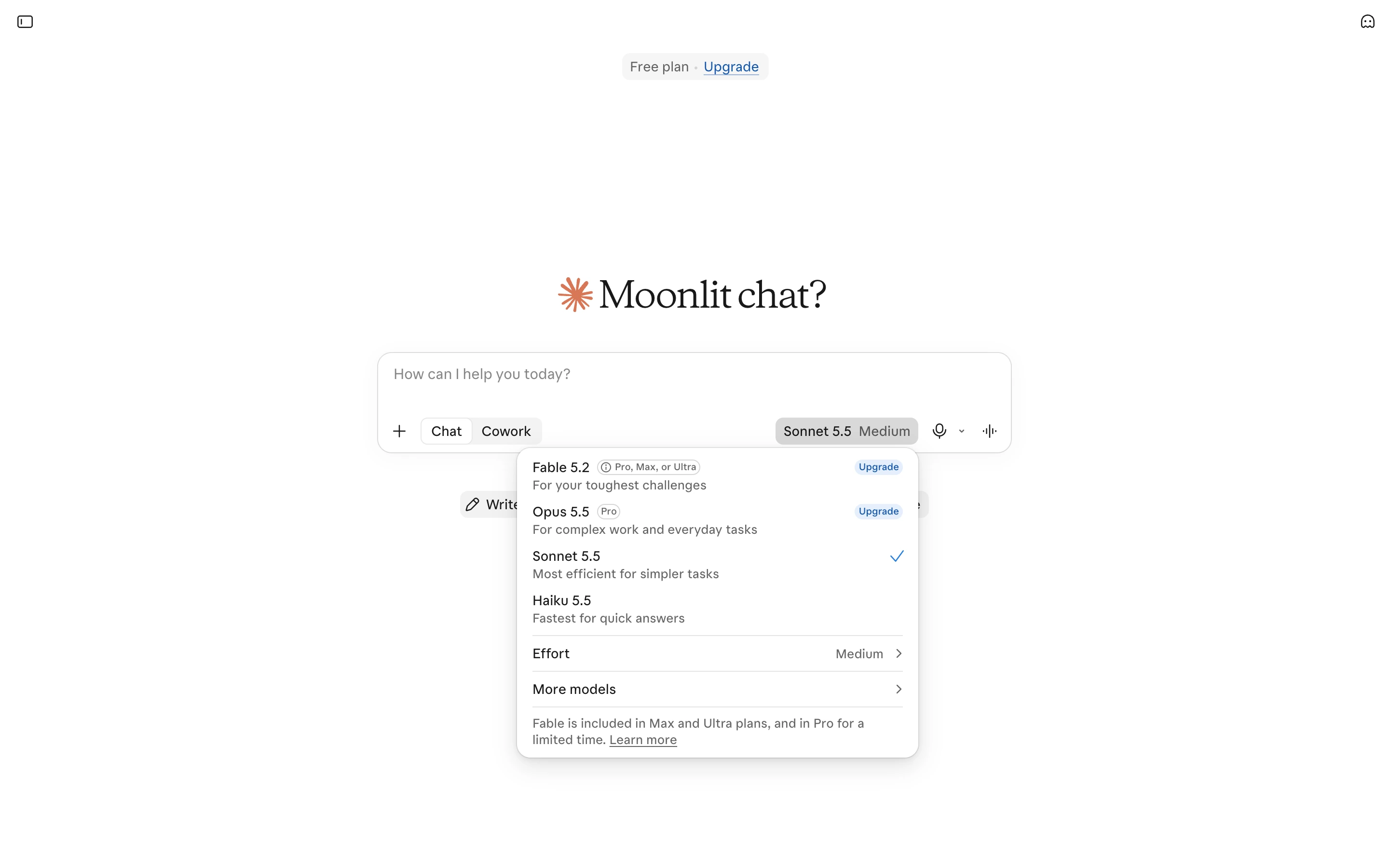
We tested Claude's free version against ChatGPT on three everyday tasks, and it performed well in writing and research. For example, we asked Claude to turn rough installation notes into a client email. It completed the task without any trouble, producing a concise, 48-word email that met all five requirements. It also answered all five research questions about ChatGPT plans correctly and even spotted a contradiction between two official OpenAI pages.
However, Claude made mistakes in our file analysis test. While it extracted all six requested details from a PDF correctly, every page reference was off by one. This is worth keeping in mind if you work with documents where accurate citations matter. You can find the full results in our Claude vs ChatGPT comparison.
Beyond these tasks, Claude Free includes up to five Projects for organizing related chats, files, and instructions. It can also analyze images and create diagrams, although it can't generate photos or illustrations like ChatGPT.
Price:
Plan | Monthly | Annual | Claude Code |
|---|---|---|---|
Free | $0 | $0 | No |
Pro | $20 | $200/year | Yes |
Max | $100 | - | Yes |
Ultra | $200 | - | Yes |
Choose Claude if you mainly use AI for writing and research, where it scored 5/5 in our tests. Claude Code and Claude Design also make it worth a look for coding and prototypes, though we didn't test them.
Stay with ChatGPT if you regularly generate images alongside your text or want to try a coding agent for free. ChatGPT Free includes limited access to Codex, whereas Claude Code requires a paid subscription.
Gemini for Google-connected work
Gemini is worth considering if your work lives in Gmail, Docs, Drive and other Google apps. It can search and summarize connected content without making you copy it into a separate chat.
However, some of these integrations require a paid Google AI plan.
But you can also use Gemini as a standalone AI assistant, much like ChatGPT. Its free plan includes image generation with Nano Banana 2, Deep Research, Gemini Live for voice conversations, Canvas for working on documents and code, and Gems for creating custom assistants.
We tested Gemini Free against ChatGPT on three everyday tasks, and it performed particularly well in research and file analysis. It answered all five research questions correctly and scored 8/8 on the file task. However, there's an important detail: Gemini couldn't read the CSV file and instead took the required sales figures from the chart. The answers were correct, but it didn't successfully process all the files we provided.
In our writing test, Gemini drafted a client email that met four out of five requirements. It missed the minimum word count, producing 42 words instead of the required 45. You can find the full results in our Gemini vs ChatGPT comparison.
One limitation of Gemini Free is its relatively small context window of 32,000 tokens. This determines how much information the model can process at once, so long reports or conversations may exceed the limit. Google AI Plus increases it to 128,000 tokens, while Pro and Ultra support up to 1 million.
Price:
Plan | Monthly | Context window | Main benefits |
|---|---|---|---|
Free | $0 | 32K | Basic Gemini features and limited usage |
Google AI Plus | $4.99 | 128K | 2× free usage, 400 GB storage, Gemini in Gmail |
Google AI Pro | $19.99 | 1M | 4× free usage, Gemini 4 Argon, Gemini in Docs, 5 TB storage |
Google AI Ultra | From $99.99 | 1M | Highest model access, higher usage limits, additional AI features |
Google AI Ultra also has a $199.99 monthly tier with higher usage limits. Availability of individual Google Workspace features may vary by plan, account type, and region.
Choose Gemini if you regularly work in Gmail, Google Docs, or Drive and want AI features integrated into those apps. Its free plan is also worth trying for research, document analysis, and image generation.
Stay with ChatGPT if you don't rely heavily on Google's ecosystem and prefer an all-purpose assistant with its own tools for writing, image generation, and coding. You can also try Codex on ChatGPT Free, whereas Gemini's main advantage is its integration with Google services.
Perplexity for source-based research
If your main use for ChatGPT is researching topics and finding information online, consider Perplexity. Web search and source citations are central to its interface.
ChatGPT also provides citations. Perplexity makes them prominent throughout its search answers, but you still need to open the sources and check whether they support each claim.
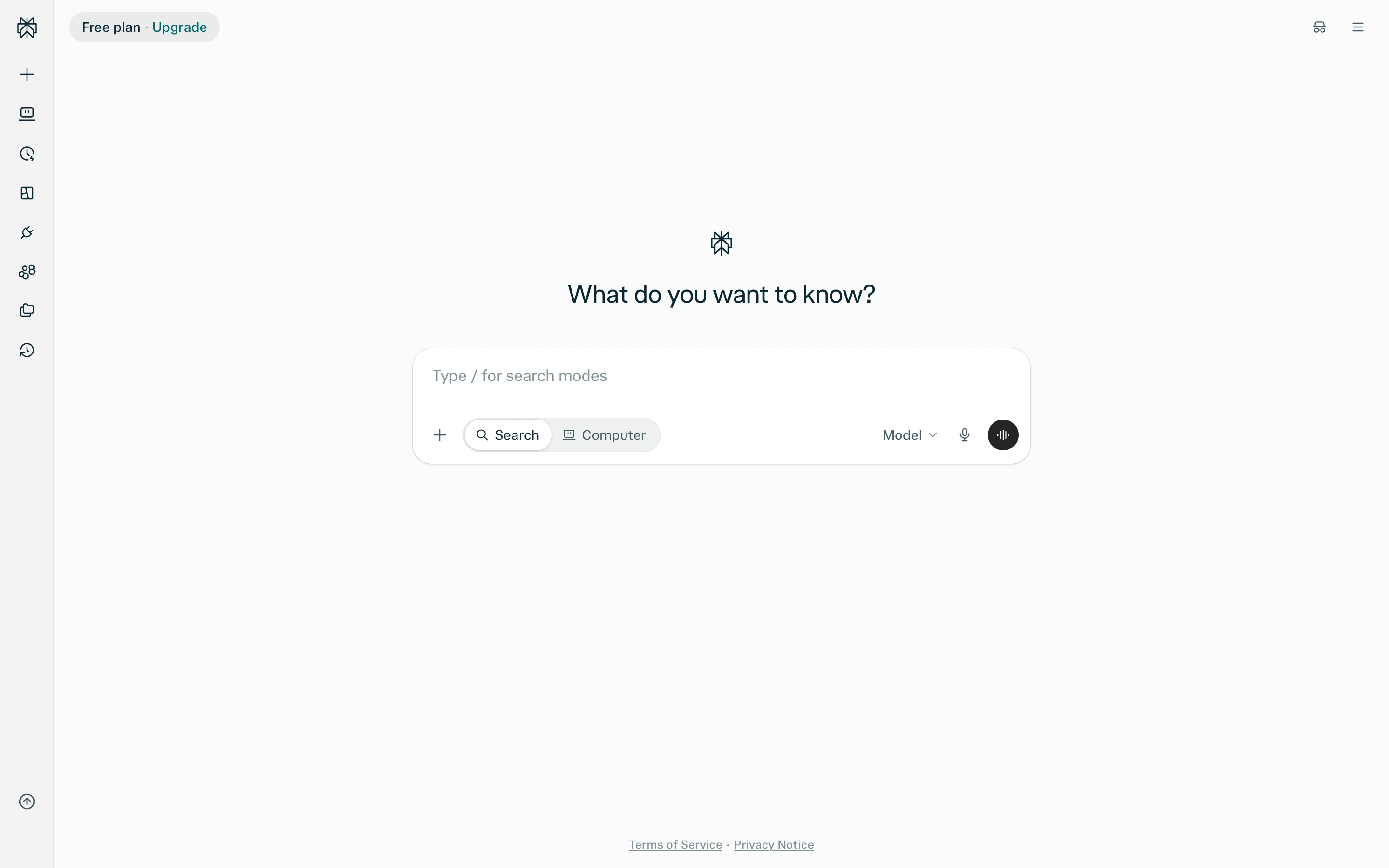
What's more, Perplexity has a generous free plan, which includes practically unlimited basic searches, a few Pro Searches, and limited file uploads.
If you want more features, or need to choose a specific model for searches, you'll need to purchase Perplexity Pro, which costs $17 per month when billed annually. It adds access to advanced models, more research queries and file uploads, and Perplexity Computer, an agent that can research topics, analyze data, and create documents or apps.
Price:
Plan | Monthly | Annual, per month |
|---|---|---|
Free | $0 | $0 |
Pro | - | $17 |
Max | - | $167 |
Choose Perplexity if you primarily use AI to research topics, compare products, or verify information and want sources included with your answers.
Stay with ChatGPT if you want a free assistant for more than research, including writing, image generation, and coding. Perplexity Free doesn't support image generation.
Microsoft Copilot for Microsoft workflows
Microsoft Copilot is a practical alternative if you work in Word, Excel, PowerPoint or Outlook. Eligible Microsoft 365 subscriptions add Copilot inside these apps for drafting documents, analyzing spreadsheets, creating presentations and summarizing emails.
There's also a free version of Copilot available on the web, Windows, Mac, and mobile. It supports regular AI chat, web search, and image generation, much like ChatGPT.
Price:
Plan | Monthly | Annual |
|---|---|---|
Copilot Free | $0 | $0 |
Microsoft 365 Personal | $9.99 | $99.99 |
Microsoft 365 Family | $12.99 | $129.99 |
Microsoft 365 Premium | $19.99 | $199.99 |
Microsoft 365 Pro | $99.99 | - |
For organizations, Microsoft 365 Business Standard with Copilot starts at $23.50 per user per month with annual billing.
Choose Copilot if you already use Microsoft 365 and want AI integrated into your documents, spreadsheets, presentations, and email.
Stay with ChatGPT if you mainly need a standalone AI assistant rather than one integrated into Microsoft's Office apps.
ChatGPT alternatives for specific tasks
The following apps weren't included in our tests, but each offers something different from ChatGPT. We checked their features and pricing against official sources in November 2026.
Grok for X and coding workflows
Grok is xAI's assistant for chat, research, voice conversations, and image and video generation. Its main difference from ChatGPT is that paid access is now part of The X Subscription, which also includes Cursor for coding and benefits on X, such as fewer ads and a Premium checkmark.
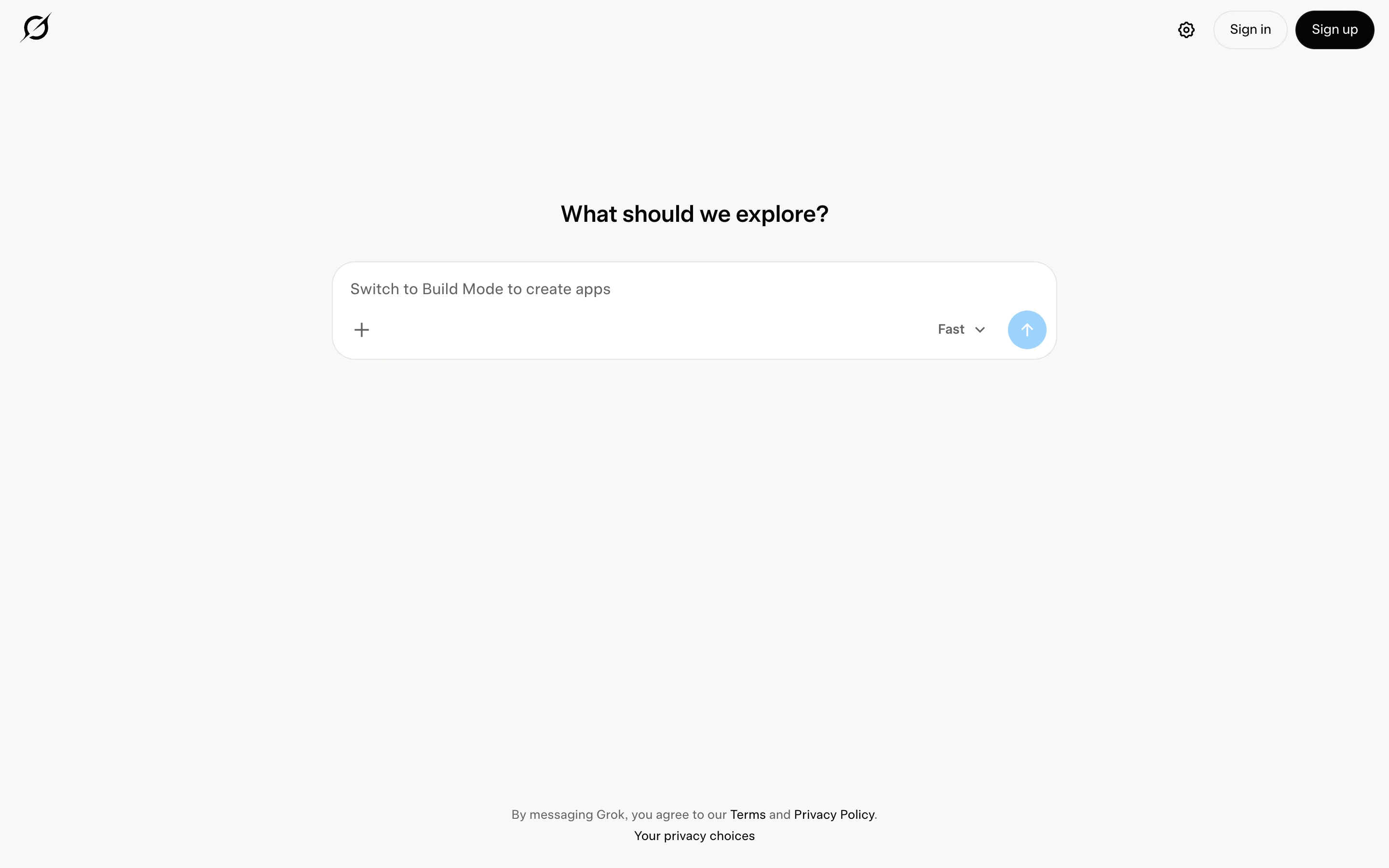
You can use Grok for free with limited usage. Paid subscriptions increase those limits and add more capabilities. For example, Premium includes the latest Grok models, cloud coding agents, and four times the usage of Plus. Third-party models in Cursor are billed separately.
Price:
Plan | Monthly | Annual, per month |
|---|---|---|
Free | $0 | $0 |
Plus | $8 | $7 |
Premium | $30 | $25 |
Super | $100 | $84 |
Ultra | $200 | $167 |
Choose Grok if you regularly use X or Cursor and want access to them alongside Grok through one subscription.
Meta AI for WhatsApp, Instagram and Facebook
Meta AI is Meta's assistant, built into WhatsApp, Instagram, Facebook and Messenger and also available as a separate app and website. It runs on Meta's Muse Spark model and can answer questions, generate images and hold voice conversations.
Meta AI is available inside the messaging apps millions of people use every day, so chances are, you already have access to this assistant.
Another advantage of Meta AI is that it's free for everyday use. Power users, however, can upgrade to one of the paid plans to get more usage and unlock more features. In September 2026, Meta added Meta One subscriptions, which let you generate more images and videos.
Price:
Plan | Monthly | Meta AI |
|---|---|---|
Free | $0 | Everyday chat and image generation |
Meta One Core | $7.99 | More images and videos |
Meta One Premium | $19.99 | The highest usage limits |
Meta One plans are rolling out gradually, and prices and benefits vary by region and app.
Choose Meta AI if you want an AI assistant inside WhatsApp, Instagram or Facebook without installing another app.
DeepSeek for free AI chat and reasoning
DeepSeek is a free AI assistant available on the web and mobile. It supports regular conversations, file uploads, and web searches, and includes a DeepThink mode that spends more time reasoning through complex questions.
Unlike ChatGPT, DeepSeek doesn't offer paid tiers for its chat app. You can use its features for free after signing in with an email, Google, or Apple account, although usage restrictions may apply.
Price:
Plan | Monthly | Annual |
|---|---|---|
Free | $0 | $0 |
Choose DeepSeek if you want a free second assistant for writing, reasoning, or checking how another model approaches the same question.
Poe for using multiple AI models
Poe gives you access to models from OpenAI, Anthropic, Google, xAI, and other developers in one app. It supports both private and group chats and offers millions of user-created bots, including tools for image and video generation.
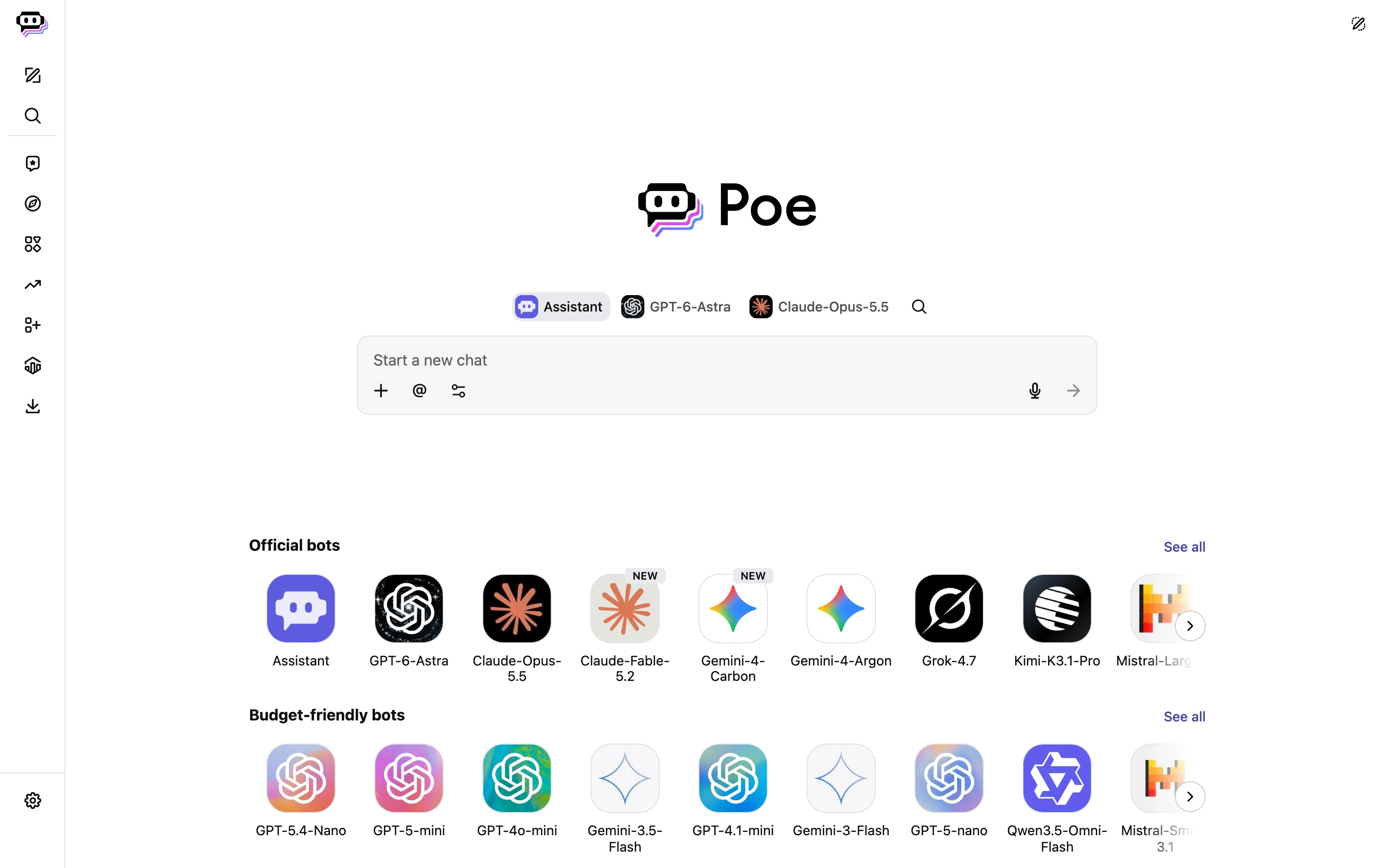
Unlike ChatGPT, Poe uses a points system. Each message costs a certain number of points depending on the model and the amount of text processed. Free users receive points daily, but unused points don't roll over. Paid subscriptions give you more points and access to advanced models, although expensive models can use up your allowance quickly.
Price:
Plan | Monthly | Annual, per month | Points |
|---|---|---|---|
Free | $0 | $0 | Daily allowance |
Paid | From about $5 | - | Larger allowance on higher tiers |
Prices vary by region.
Choose Poe if you frequently switch between different AI models and prefer managing them through one app.
Mistral Vibe for chat and coding
Mistral's former Le Chat assistant is now called Vibe. It combines everyday AI chat with a coding agent that can work on existing projects, edit files and run commands.
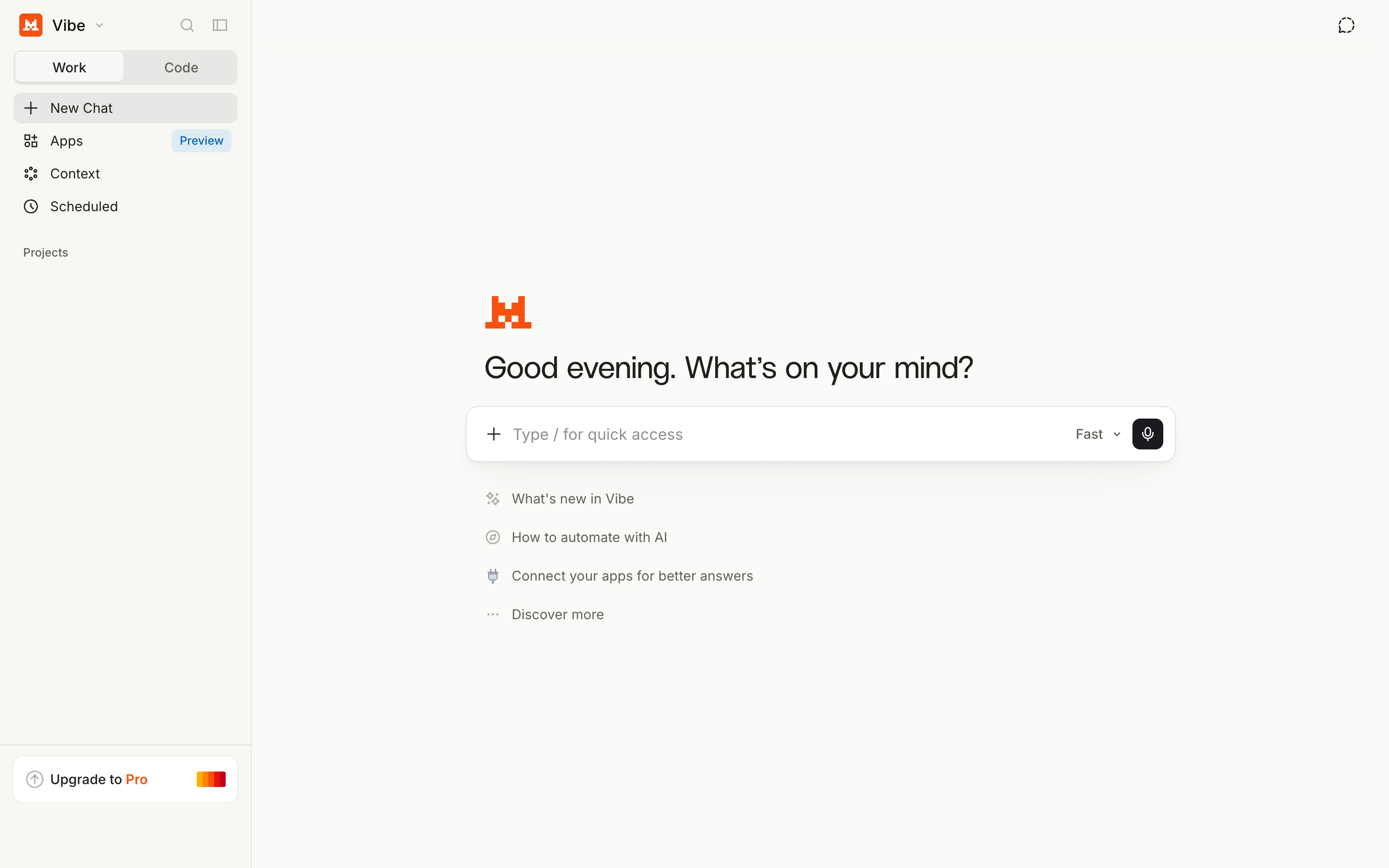
You can use Vibe in the browser or connect its coding agent to your development environment. It supports terminal workflows, VS Code, JetBrains, and Zed, along with remote coding agents. The free plan includes limited chat, web searches, image generation, and coding sessions.
Price:
Plan | Monthly | Main benefits |
|---|---|---|
Free | $0 | Limited chat, web searches, image generation and coding sessions |
Pro | $14.99 | More messages, higher usage limits and all-day coding |
Pro for students | $5.99 | Pro for verified students, for up to 12 months |
Choose Vibe if you want an alternative to ChatGPT that combines everyday AI tasks with a dedicated coding agent.
Duck.ai for private AI chat
Duck.ai is DuckDuckGo's AI chat service, which lets you use models from OpenAI, Anthropic, Mistral, and other developers without creating an account. DuckDuckGo anonymizes requests before sending them to model providers and says it doesn't use your conversations to train AI models.
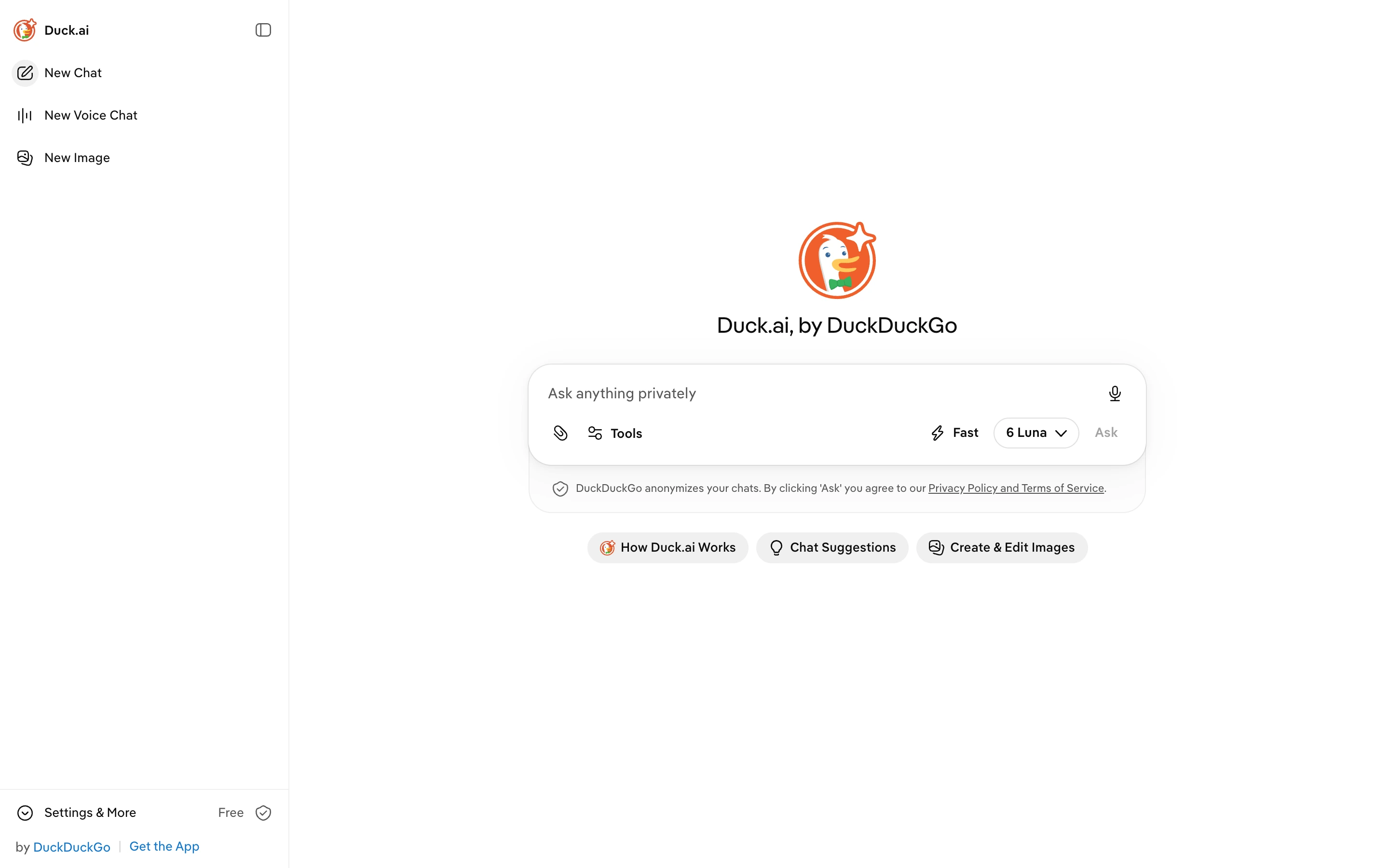
The free version includes models such as GPT-6 Luna, Claude Haiku 5.5, Mistral Small 4, and Gemma 4 31B, with daily usage limits. Paid plans unlock more advanced models and higher limits.
Price:
Plan | Monthly | Annual |
|---|---|---|
Free | $0 | $0 |
Plus | $9.99 | $99.99 |
Pro | $19.99 | $199.99 |
Plus adds models such as Claude Sonnet 5.5 and GPT-5.6 Terra, while Pro includes Claude Opus 5.5 and GPT-5.6 Sol, along with twice the usage limits of Plus. Both paid plans also include DuckDuckGo's VPN and other privacy features.
Choose Duck.ai if you want to chat with different AI models without creating an account or sharing identifying information with the model providers.
Jan and HuggingChat for open-source models
For local models, consider Jan, a free, open-source desktop app that lets you download and run compatible models on your computer. If you prefer hosted access, HuggingChat offers models hosted through Hugging Face and an Omni router. Model licenses vary; open weights do not always mean an unrestricted open-source license.
ChatGPT alternatives for coding
Several ChatGPT alternatives also offer coding agents, though access depends on your subscription:
- ChatGPT: Codex is available on all plans, including Free and Go, with usage limits. Codex Cloud requires an eligible Plus plan or higher.
- Claude: Claude Code requires Pro or higher. Free users are redirected to the upgrade page.
- Gemini: Google AI Studio and Antigravity are free to start. Google AI Pro adds entry-level paid rate limits for Antigravity.
- Mistral Vibe: Free users have limited coding sessions, while Pro is intended for all-day use.
- Grok: Grok subscriptions include Cursor access without third-party models. Premium adds cloud agents and AI code reviews.
How to choose and switch
The best replacement depends on what you use ChatGPT for. Before switching, try your usual tasks in the new app and check three things:
- Capabilities. Make sure the app supports the features you need, whether that's web research, image generation, coding, voice conversations, or working with documents. Then compare how well it handles those tasks. A strong chatbot isn't necessarily a good replacement for every ChatGPT feature.
- Integrations. If you use AI alongside other apps, check which services it can access. Gemini integrates with Gmail and Docs, Copilot works inside Microsoft 365 apps, and Claude offers connectors for external services. Some integrations require a paid plan or workspace permissions.
- Price and usage limits. Free plans can be restrictive, and paid subscriptions still have limits. For example, our ChatGPT Free account couldn't attach a third file during testing. Check the limits for the features you'll actually use, and compare the subscription cost with ChatGPT Go or Plus.
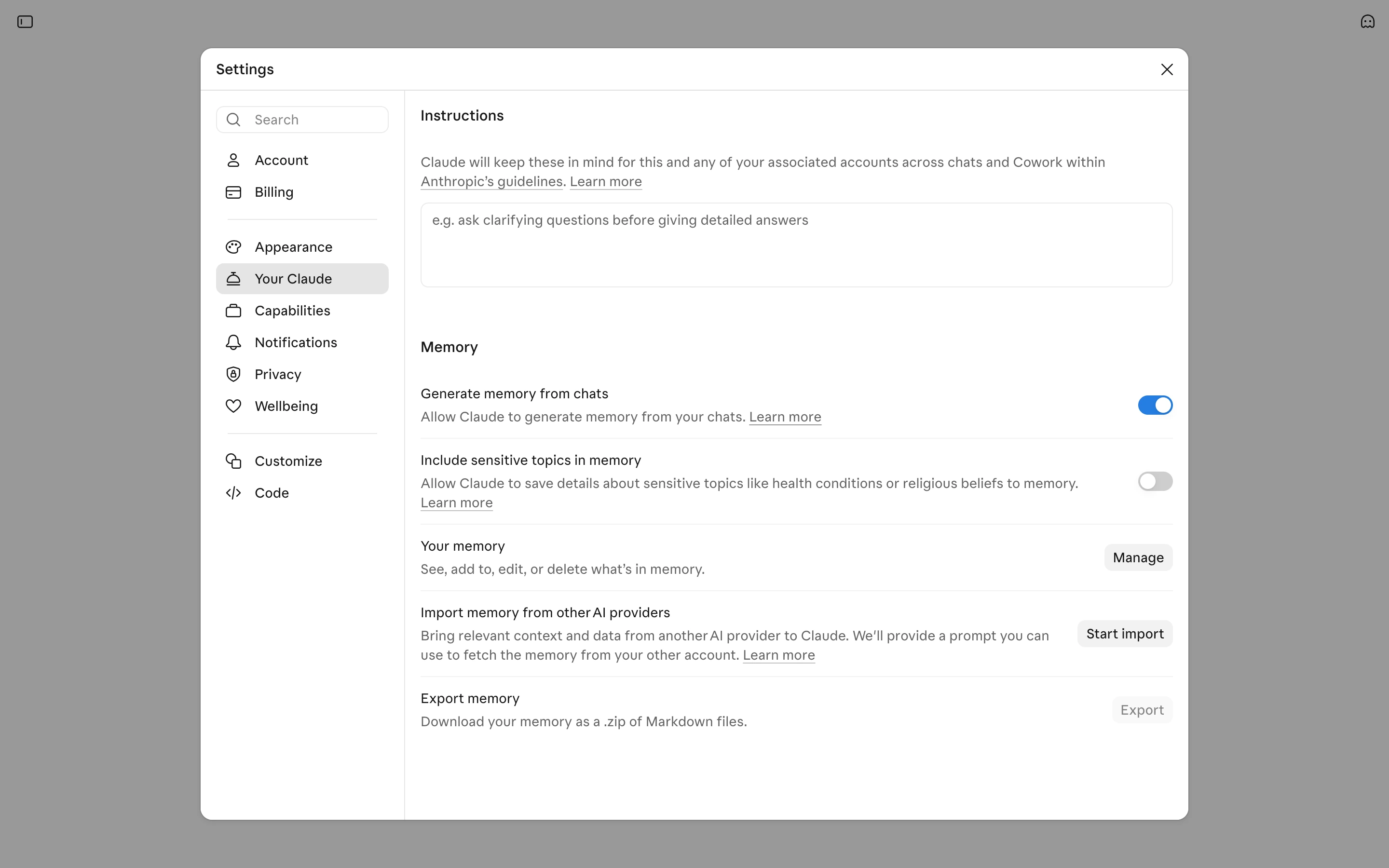
If you decide to switch, there's also your conversation history to consider. ChatGPT lets you export your data, while Claude offers an option to import memories from another AI assistant. However, neither feature transfers your old conversations as chat threads. You'll need to start new chats in the replacement app.
When staying with ChatGPT makes sense
If you're happy with ChatGPT but keep running into usage limits, consider upgrading before switching apps. Upgrading also lets you keep your existing chats, memory and projects.
ChatGPT Go costs $8 per month and Plus costs $20. Compare what each includes with the paid alternatives before deciding.
Building an app? Compare API options
If you're building your own app rather than looking for a ChatGPT replacement, you'll need API access. ChatGPT Plus doesn't include API credits, and OpenAI bills API usage separately.
You also don't have to use OpenAI's API exclusively. AI/ML API, for example, gives you access to models from OpenAI, Anthropic, Google and other providers through a single API, so you can compare them using your own prompts. Our guide to OpenAI API alternatives covers more options.
Keep in mind that API access gives you the models, not the complete ChatGPT or Claude experience. Features such as projects, persistent memory and integrations need to be implemented separately in your app.
Which ChatGPT alternative should you use?
Here's how to choose a ChatGPT alternative based on your use case:
If you mainly use ChatGPT for | Try | Why |
|---|---|---|
Writing and research | Claude | Scored 5/5 on our writing and research tasks |
Gmail, Docs and Drive | Gemini | Works with Google apps and scored 8/8 on our file task |
Research with sources | Perplexity | Adds citations you can open to check each claim |
Word, Excel and Outlook | Microsoft Copilot | Built into Microsoft 365 apps |
Free chat and reasoning | DeepSeek | No paid plan, with a DeepThink mode for harder questions |
Several AI models in one place | Poe | Models from OpenAI, Anthropic, Google and xAI in one app |
Coding on a free plan | Mistral Vibe | A coding agent with limited free sessions |
Chat without an account | Duck.ai | Works without signing in and anonymizes requests |
X and Cursor | Grok | One subscription covers Grok, Cursor and X Premium benefits |
WhatsApp, Instagram and Facebook | Meta AI | Already built into Meta's apps |
If none of them handles your main task better than ChatGPT, see When staying with ChatGPT makes sense.
How we chose and tested
We picked apps that each fit a specific task people use ChatGPT for: writing, work in Google and Microsoft apps, research, coding, chatting without an account, AI inside messaging apps, open-source models and access to several models. API providers aren't included because they don't replace the ChatGPT app.
Our tests ran on free plans with an English interface. Claude, Gemini and ChatGPT got the same three tasks, each in a new chat:
- Writing. Turn internal notes into a client email of 45 to 60 words that meets five requirements.
- Files. Find six details with page numbers in a five-page PDF, then answer two questions about sales from a CSV file and a chart.
- Research. Answer five questions about ChatGPT plans using regular web search. We checked each answer against official pages the same day.
Each app ran on its default settings: Sonnet 5.5 Medium in Claude and Auto mode with Google Search grounding in Gemini. ChatGPT Free has no model picker, so we identified GPT-6 from the response metadata. Thinking was off.
App and plan | Model or mode | Writing | PDF and sales data | Research | Manual fix |
|---|---|---|---|---|---|
Claude Free | Sonnet 5.5 Medium, web search | 5/5, 48 words | 2/8, every page number one too low | 5/5, flagged conflicting sources | Correct six page numbers |
Gemini Free | Auto, Google Search grounding | 4/5, 42 words | 8/8, used the chart after calling the CSV empty | 5/5 | Add a few words to the email |
ChatGPT Free | GPT-6, Thinking off, web search | 5/5, 58 words | 8/8 from the PDF and CSV, chart blocked by the upload limit | 4/5, outdated answer about Free models | Rewrite one research answer |
ChatGPT's free upload limit blocked the chart, so it answered from the PDF and CSV. We counted that as an access limit and scored the answer on the files it received.
We ran each task once, so the scores show how these apps handled these prompts on that day. They don't rank the models.
FAQ
What is the best alternative to ChatGPT?
It depends on your task. Claude fits writing, Gemini fits work in Gmail and Docs, and Perplexity fits research with sources. Copilot is the pick for Word and Excel if you have Microsoft 365. The comparison table shows the main limit of each app.
What can I use instead of ChatGPT for free?
Each alternative in this guide has a free plan. Duck.ai works without an account, and Grok let us chat without signing in. Claude, Gemini, Copilot, DeepSeek and Poe need a free account. Meta AI is free inside WhatsApp, Instagram and Facebook. See Best free ChatGPT alternatives.
Which alternative is best for coding?
We didn't test coding, so we can't name the best one. Of the apps in this guide, ChatGPT and Mistral Vibe include a coding agent on their free plans, both with limits. Claude Code requires a paid Claude plan. See ChatGPT alternatives for coding.
Are there unlimited options?
None of these free plans is unlimited. Perplexity Free offers practically unlimited basic searches, but Pro Searches and advanced models are limited. Paid plans of ChatGPT, Claude and Gemini raise the limits without removing them.
Can I move my ChatGPT history?
Only partly. You can export your ChatGPT data as a file. Claude can also import memory from another assistant. Your past chats won't appear as conversations in the new app. See How to choose and switch.