Create Logo with AI: Best AI Models for Logo Generation in 2026
Quick Answer
The best AI model for logo generation in 2026 depends on your goal. FLUX leads for typography accuracy and compositional control. GPT Image excels at polished brand concept ideation. Ideogram is the strongest choice when readable text inside the logo is non-negotiable. Recraft suits structured, design-system-friendly output. Nano Banana is best for rapid multi-direction exploration. Read on for a full breakdown.
Why 2026 Changed AI Logo Generation
For a long time, asking an AI model to generate a logo was a bit of a gamble. You'd get something that looked impressive at thumbnail size, but zoom in and the text was garbled, the shapes were soft, and the mark wouldn't scale to a business card, let alone a billboard.
That's changed substantially over the past year. Several developments pushed the field forward at once: better training on structured graphic content, dedicated fine-tuning for typography, multi-reference conditioning that lets models maintain style across variations, and significantly improved high-resolution outputs. The result is a new category of models that don't just make something that looks logo-adjacent, they produce concepts you can actually hand to a designer or take straight to production.
The shift has also changed how professionals use these tools. In 2024, AI was mostly used to generate one hero concept and hope for the best. In 2026, the standard workflow involves generating twenty to fifty variations quickly, filtering down to the strongest three or four, and then refining from there. Models that support fast iteration with consistent style have become far more valuable than ones that produce a single gorgeous image per prompt.
One other thing changed: the bar for "usable" got higher. Brands expect logos to work across light and dark backgrounds, app icons, social headers, embossed packaging, and everything in between. That means adaptability and clean vector-like geometry now matter as much as aesthetics.
What Makes an AI Model Good for Logos
Before comparing specific models, it helps to agree on what "good" actually means in the context of logo generation. The criteria that matter for a social-first brand creating a fun app icon are pretty different from what an agency needs when building a full identity system for a fintech client. That said, there are six qualities that matter across almost every logo use case.
Best AI Models for Logo Generation in 2026
The following five models are the strongest options available right now for logo generation workflows. Each has a distinct strength profile — and knowing where each one excels is more useful than declaring a single winner.
FLUX: Best for Typography + Control
The precision tool for logo workflows that demand text accuracy and compositional consistency.
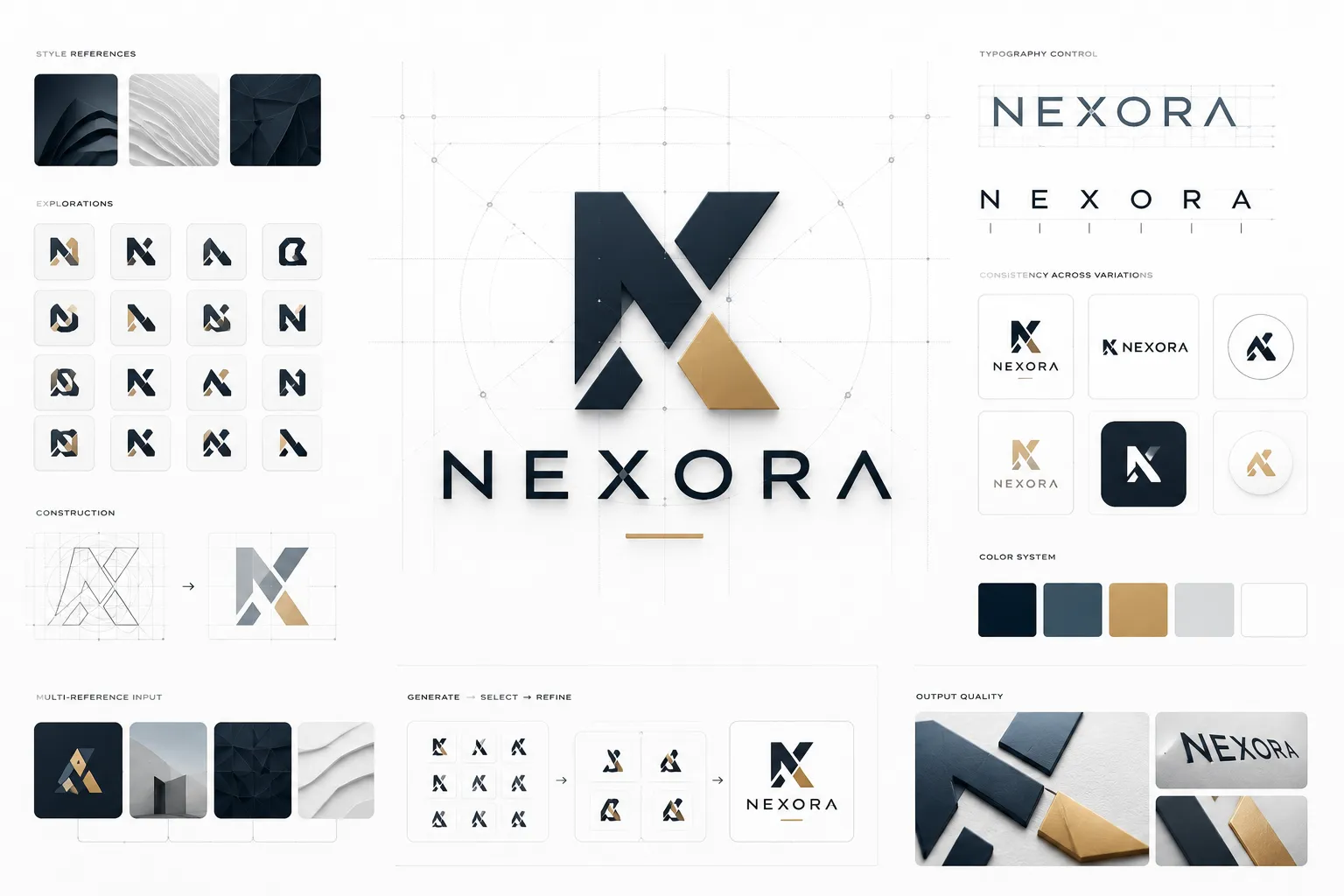
FLUX.2 has become a go-to model for serious logo generation work in 2026, and for good reason. Its text rendering capabilities are genuinely better than what other general-purpose image models offer — letterforms come out clean, spacing is intentional, and the results hold up at high resolution in a way that earlier FLUX versions didn't consistently manage.
What sets FLUX apart from a branding workflow perspective is its multi-reference control. You can give it style examples alongside a text prompt and it will maintain that visual language across multiple generations with a degree of consistency that's hard to get from models trained more generally. For agencies or in-house teams generating large batches of logo concepts for client review, this makes the difference between a useful tool and a frustrating one.
The model also produces high-resolution output — proper 2K-plus renders that have enough detail to trace cleanly in a vector editor. If you're using AI logo generation as the first step in a real design pipeline rather than a final deliverable, FLUX2's output quality gives designers more to work with than almost anything else available.
Where FLUX is less ideal: if you're looking for whimsical or highly stylized logo concepts that lean into illustration, some of the other models in this list are more flexible. FLUX.2 rewards clear, structured prompting and is at its best when you know the output format you want going in.
GPT Image: Best for Brand Concept Ideation
The most conversational logo ideation tool, great for exploring brand directions before committing to a visual system.
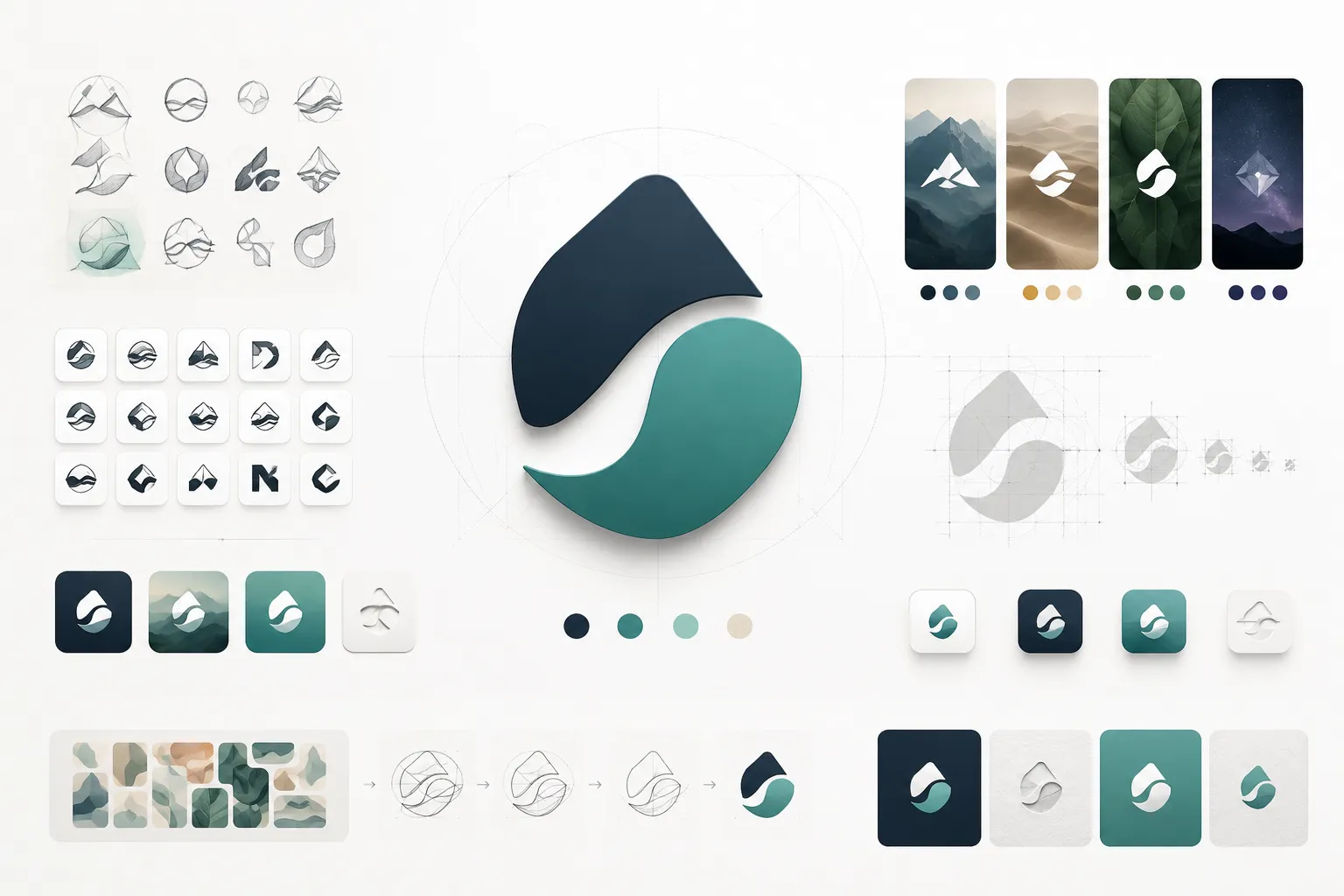
GPT Image earns its place in any logo generation toolkit through sheer versatility and the quality of its compositional instincts. If you describe a brand's personality, audience, and values in a well-crafted prompt, the model tends to produce balanced, polished visual concepts that feel considered rather than accidental. The output often has a strong sense of hierarchy — it knows where to put the mark, how to weight the wordmark, and how to use whitespace in a way that reads as intentional.
Another genuine advantage is the conversational nature of the workflow. You can iterate in dialogue, describing what you want to change in natural language and getting refined versions without needing to rebuild prompts from scratch each time. For founders or marketers who are clear on their brand vision but not fluent in design terminology, this makes the process significantly more accessible.
The main limitation is text rendering at smaller scales, while GPT Image handles straightforward wordmarks reasonably well, it can struggle with complex typographic treatments or when you need very specific font characteristics. For those cases, pairing GPT Image for broad concept exploration with FLUX2 or Ideogram for typography-critical refinement is a smart workflow.
Ideogram: Best for Wordmarks & Readable Text
When the logo needs to say something, Ideogram renders it cleaner than anything else.
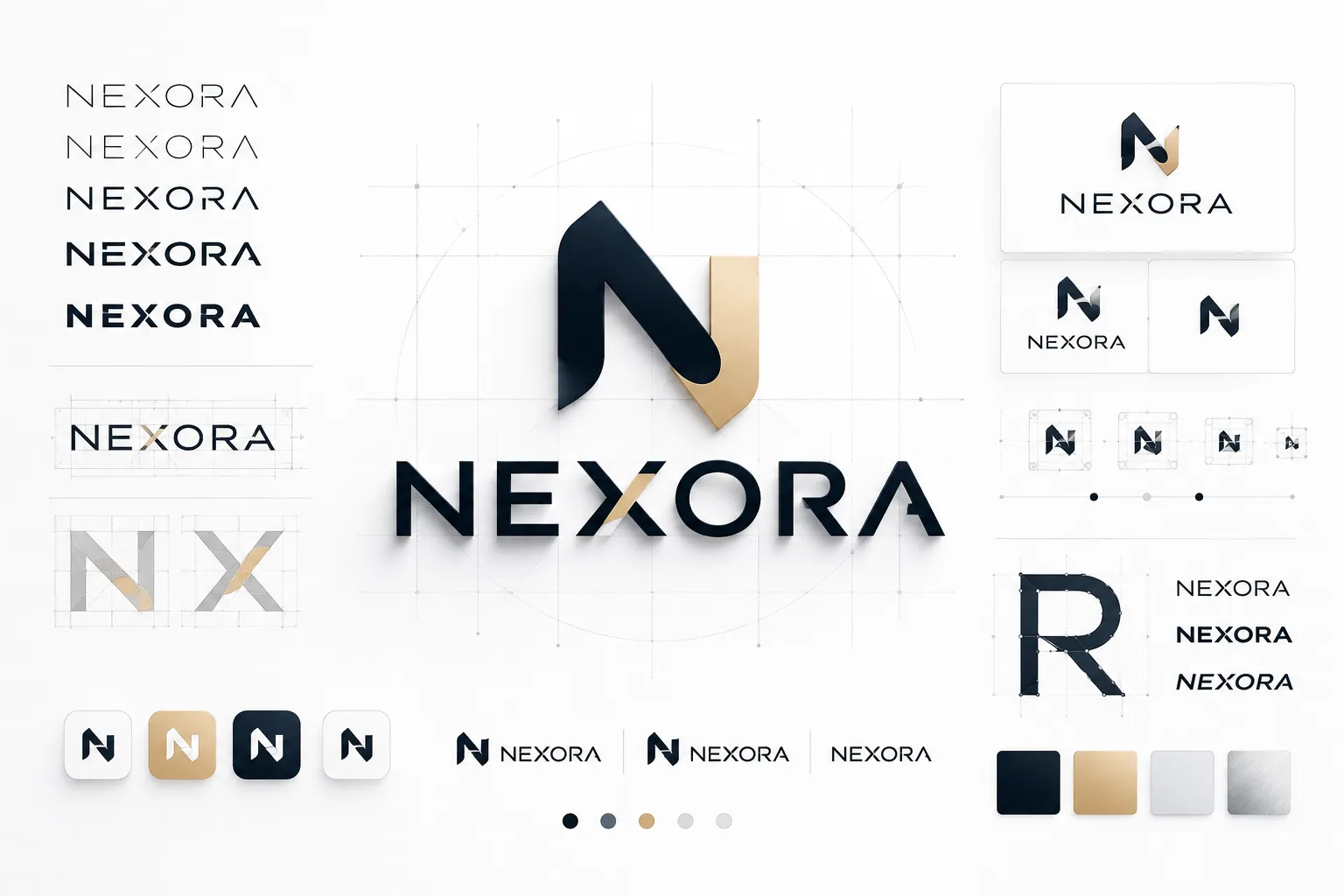
If your logo needs to include text — a company name, a tagline, or a wordmark — Ideogram is the model you should reach for first. It was built with text rendering as a primary design constraint, not an afterthought, and the difference shows up immediately in the output. Characters are clean, ligatures behave correctly, and the spatial relationship between the text and any accompanying mark tends to look intentional rather than jammed together.
This makes Ideogram particularly valuable for certain categories of branding work: startups where the name itself is the primary brand asset, professional services that need a clean wordmark, and any project where the company name has specific typographic character worth preserving (long names, unusual letter combinations, names with descenders or ascenders that other models tend to distort).
The model is also one of the more controllable options when it comes to style; you can steer it toward minimalist, technical, retro, or geometric aesthetics with reasonable accuracy. What it gives up compared to FLUX2 is multi-reference consistency for large batch generation, and compared to GPT Image, the conversational iteration loop is a bit less fluid. But for wordmark-first logo projects, nothing in 2026 currently beats it on pure text clarity.
Recraft: Best for Design-System-Ready Output
Produces the most structured, production-oriented output — logos that fit into real design systems with minimal cleanup.
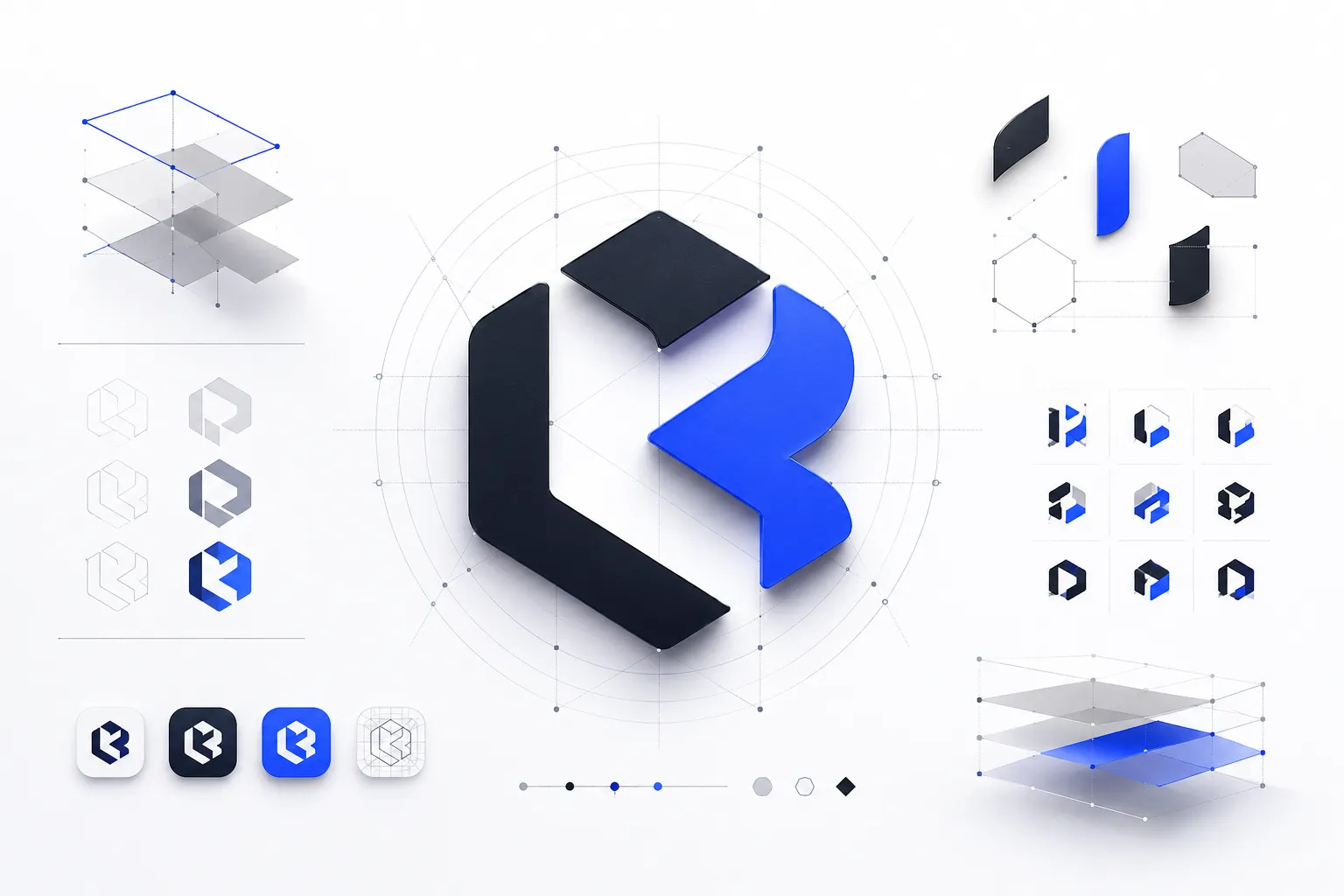
Recraft occupies a specific and valuable niche in the AI logo generation landscape: it's the model most oriented toward designers who are going to actually use the output in a professional pipeline. Where other models might produce something that looks great as a rendered image but requires significant cleanup before it's usable as a brand asset, Recraft tends to produce cleaner underlying structure — shapes that are more geometric, compositions that are less noisy, and elements that are easier to separate and rework in a vector editor.
This makes it particularly useful in agency workflows where AI generation is the first stage of a longer design process. A Recraft output is often closer to a structured starting point than a rough draft. The model also handles flat, icon-style logo generation well — the kind of clean symbol marks used in app icons, favicons, and responsive logo systems where you need a version that works at 16x16 as well as full size.
Recraft is more technical in its output than GPT Image — which means it rewards more precise prompting. Vague prompts produce useful results, but specific, detailed prompts that describe composition, geometry, and style constraints tend to produce significantly better output. If you're not yet comfortable writing detailed image prompts, building on the prompting guidance in the section below will make Recraft considerably more useful.
Nano Banana: Best for Rapid Iteration at Scale
Generates large volumes of logo directions fast — the right tool when you need twenty options before the next meeting.
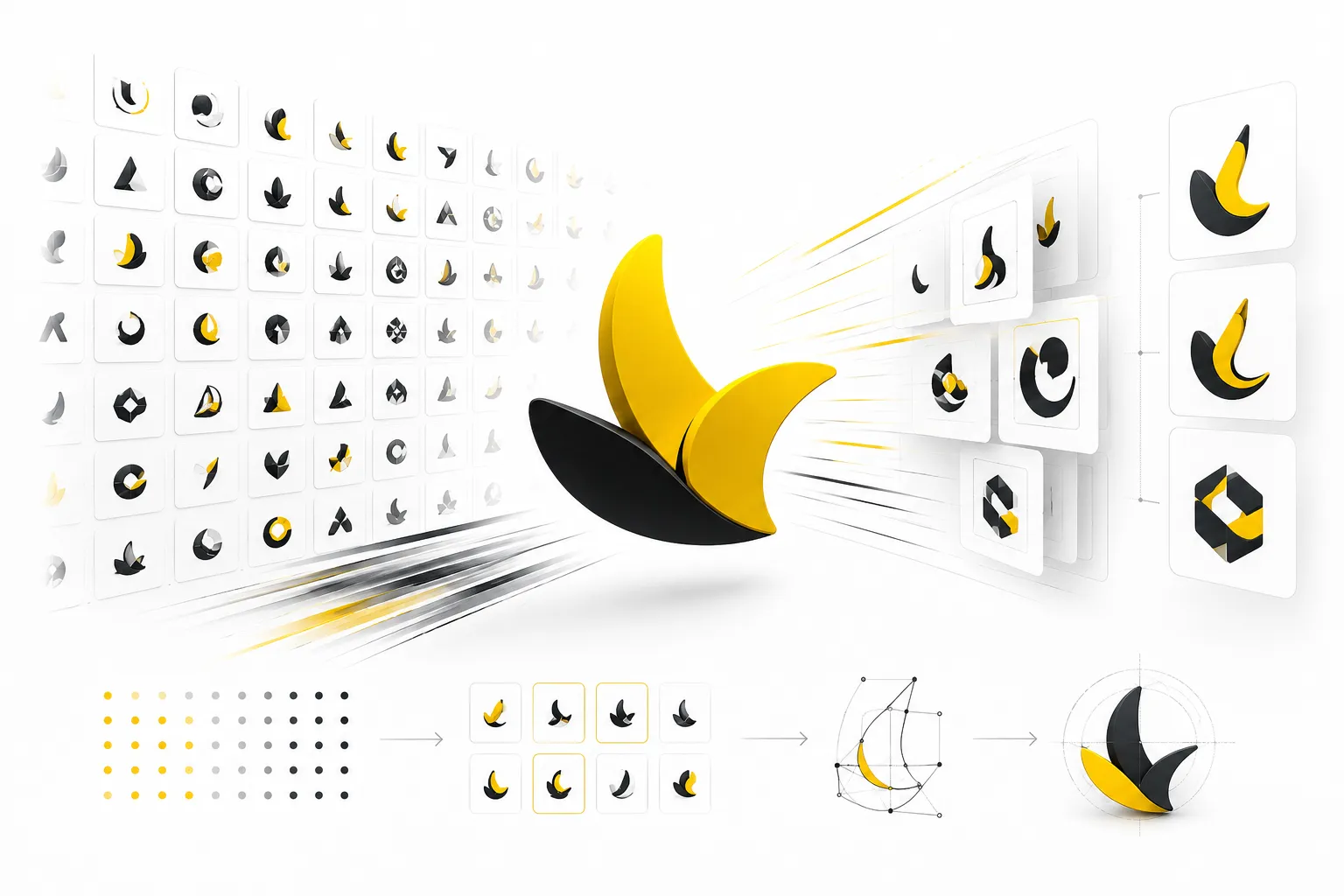
Nano Banana is the newest entry in this list and operates on a different value proposition than the others. Rather than competing on peak output quality, it's built for speed and volume — and for certain workflows, that's exactly what you need. When a design team is in early-stage exploration and needs to cast a wide net before narrowing, the ability to generate thirty or forty distinct logo directions in the time it takes other models to produce five changes the nature of the creative process.
The output quality is genuinely solid for the iteration speed, Nano Banana has improved considerably in recent months on typography handling, and the style range it supports covers most mainstream branding aesthetics. It's not the right tool for a final production logo, but as a concept-generation layer before bringing in a more precise model for refinement, it fits neatly into a modern AI-assisted design workflow.
It's worth noting that Nano Banana is best treated as a discovery tool. Run a high-volume prompt batch, identify the three or four concepts with real potential, then take those concept directions into FLUX or Recraft for a more controlled, higher-quality version. That two-stage approach plays to each model's strengths.
Side-by-Side Comparison
Here's a quick reference table covering all five models across the criteria that matter most for logo work. Ratings are based on practical testing in real branding workflows, not benchmark scores.
Best Model by Use Case
Knowing which model is "best" in the abstract matters less than knowing which model is right for your specific situation. Here's how to match the model to the mission.
- Fast Brand Concepts in a Day: Start with Nano Banana or GPT Image to generate a broad range of directions. Pick the strongest two or three and refine with FLUX2 or Recraft.
- Generating 20–50 Directions: Use Nano Banana for volume, then FLUX2 or Recraft to sharpen the best concepts into client-presentable assets.
- Wordmarks with Readable Text: Go straight to Ideogram. It's built for this and will save you significant iteration time compared to any other model.
- Full Identity Systems: Use FLUX2 as the primary generation model for its multi-reference control and high-resolution output. Recraft for icon/symbol work.
- Adaptive Logos for Every Format: GPT Image for the core concept, then Recraft to generate clean icon variants that hold up across sizes and backgrounds.
- Brand Identity Without Design Experience: GPT Image's conversational workflow makes it the most accessible starting point. Describe your brand in plain language and iterate from there.
Prompting Tips for Better AI Logos
The difference between a generic AI-generated image and a genuinely useful logo concept often comes down to how the prompt is written. These aren't rules — they're patterns that consistently produce better output across all five models covered here.
Specify the logo format first. "Wordmark," "icon-only," "combination mark," or "emblem" should appear near the start of your prompt. Models trained on vast image datasets will default to something in the middle without this signal.
Describe the brand, not just the aesthetic. "A fintech app for Gen Z that makes investing feel low-stakes and accessible" will produce more targeted output than "modern finance logo." The model has more context to work with.
Name your style boundaries explicitly. If you want minimal, say minimal — but also say what you don't want. "Flat, geometric, no gradients, no drop shadows, no photorealistic effects" removes a lot of noise.
Request negative space consideration. Logos work on both light and dark backgrounds. Asking for "strong negative space, works reversed on dark background" pushes the model toward compositions with this built in.
Specify a color palette if you have one. Even hex codes work with newer models. Leaving color undefined often results in default blues and gradients that don't reflect your brand.
Ask for simplicity, then scale it up if needed. Start with the constraint "readable at 32px, simple enough to embroider" — this forces the model toward clean, scalable geometry. You can always ask for more detail in a follow-up.
Request multiple compositions in one prompt. Some models support layout variations from a single prompt. Asking for "three compositional variations: horizontal, stacked, and icon-only" can save several generation cycles.
Here's an example of a strong logo generation prompt for FLUX2 or Ideogram:
- Logo type: Combination mark (icon + wordmark)
- Brand: Meridian — a B2B SaaS platform for supply chain analytics
- Style: Minimal, geometric, technical precision, no gradientsIcon concept: Abstract arrow or network node motif suggesting flow and direction
- Typography: Clean sans-serif wordmark, medium weight, generous tracking
- Colors: Deep navy #1a2d4a and clean white, no other colors
- Constraints: Works at 32px, high negative space, no drop shadows, no photorealismDeliverable: White background, square crop, horizontal layout
Common Mistakes to Avoid
Most of the frustration people encounter with AI logo generation comes down to a handful of predictable errors. Avoiding these will save a lot of time.
Using the wrong model for the job. Asking a model optimized for photorealistic image generation to produce a clean wordmark is like using a paintbrush to draw a technical diagram. Start by matching model strengths to the output you need.
Prompting for photorealistic effects. Metallic textures, lens flares, bokeh, dramatic lighting — these look impressive in rendered images but they destroy logo functionality. A good logo is flat, clean, and works without lighting context.
Ignoring text rendering limitations. Even the best models in 2026 can still stumble with unusual letter combinations or very specific typographic treatments. Always check text at high zoom and be ready to use a reference font and replace generated letterforms if needed.
Not testing at small sizes. Generate your logo, then resize it to 32px and 16px and look at it honestly. If it becomes illegible or loses its character, the mark is too complex. Go back and prompt for greater simplicity.
Treating the AI output as the final logo. Even the best AI-generated logo is a starting point. A skilled designer adds brand context, ensures legal clearance, creates proper file formats, and builds the full identity system that a logo needs to actually function in the world.
Over-prompting with illustration language. Phrases like "intricate detail," "complex pattern," "ornate decoration," or "textured background" push the model toward image-making rather than logo-making. Constraint language works better than addition language.
When to Use AI vs. When to Bring in a Designer
AI logo generation has gotten genuinely good — but there are still situations where human expertise isn't just preferable, it's necessary. Being clear on the boundary helps you use AI effectively without setting yourself up for problems later.
AI is the right call when
You're exploring early-stage brand directions and need lots of options fast. You need a functional placeholder logo while the brand is still being validated. You're a solo founder bootstrapping and can't yet afford professional design. You're a designer generating concept directions to present to a client before committing to a single visual system. In all of these situations, AI-generated logos are genuinely appropriate and efficient.
A designer is worth the investment when
You're preparing for trademark registration — AI-generated outputs need thorough originality and legal clearance checks that require professional legal and design review. You're building a full identity system including brand guidelines, color systems, typography rules, and template libraries. Your brand will appear on physical products, packaging, or large-format print where every pixel of the mark carries weight. You're launching publicly and the brand needs to make a strong first impression that can sustain the company for years.
The best outcome is usually a combination: use AI to explore directions quickly and cheaply, identify what resonates, then bring a designer in to refine the strongest concept into a production-ready, legally sound identity.
Generate your first logo concept in minutes
Access FLUX.2, GPT Image, and 500+ other AI models through one API. No model management, no separate billing, no setup complexity.
Frequently Asked Questions
What is the best AI model for logo generation in 2026?
There isn't a single best model for all use cases. FLUX2 is the strongest choice for typography-heavy logos and high-fidelity output. GPT Image is best for broad concept ideation. Ideogram leads on wordmark generation with readable text. Recraft is ideal for structured, design-system-ready icon marks. Nano Banana is the fastest option for generating large volumes of concepts during early exploration.
Can AI generate logos that are ready to use without further editing?
In some cases, yes — particularly for digital-only use on websites or social media where high-res PNGs are sufficient. However, for trademark registration, print production, embroidery, or building a complete brand identity system, AI outputs almost always need professional refinement and vectorization. Think of AI as generating strong raw material, not finished deliverables.
Are AI-generated logos eligible for trademark registration?
This is an evolving legal area that varies by jurisdiction. In many countries, purely AI-generated works with no meaningful human creative contribution face scrutiny under trademark and copyright law. Practical steps include: ensuring the AI output is meaningfully modified by a human designer before filing, conducting a clearance search to confirm no confusingly similar existing marks exist, and consulting a trademark attorney before registering any AI-assisted logo in a market where your brand is commercially active.
What is the best AI logo workflow for a startup with a small budget?
A cost-effective approach: use GPT Image or Nano Banana to explore brand directions during early validation (cheap, fast, high volume). When you're confident about the business and brand direction, use FLUX2 or Ideogram to generate three to five refined concepts. Then hire a designer for a focused refinement engagement rather than a full identity project — take the strongest AI concept and have a professional refine it into vector files and a simple brand guide. This approach balances speed and cost against quality and long-term usability.
.webp)